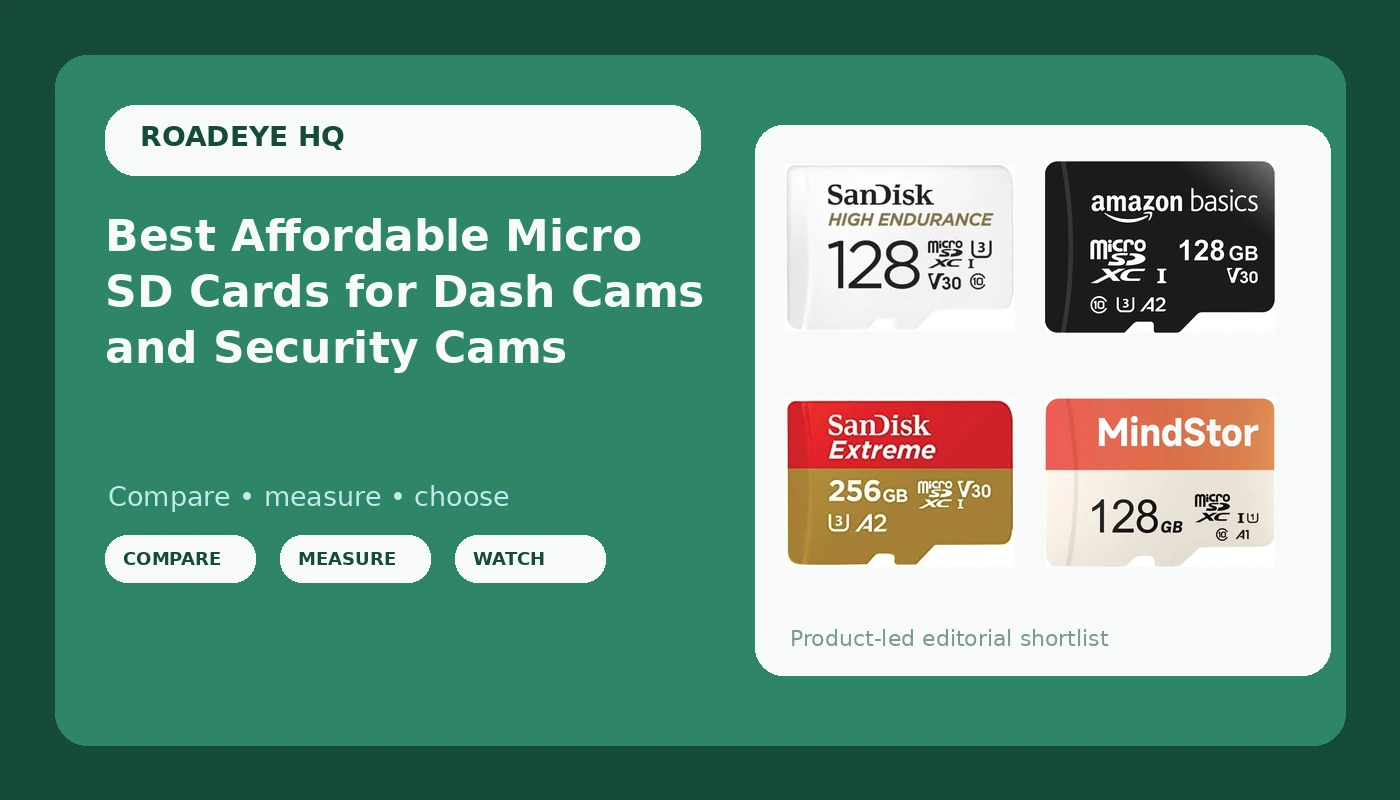
An SD card is the cheapest part of a dash cam system and the only part that decides whether the footage actually exists when you need it. I have pulled cards out of windshields in a Phoenix parking lot in August that were too hot to hold, and I have pulled cards that looked perfectly normal and turned out to hold nothing but a corrupted file table. The camera did its job. The card did not. That is why this guide is about the best affordable micro sd cards for dash cams and home monitoring systems rather than the fastest cards money can buy. Every pick below earns its place on stated specs that matter for continuous recording: write speed class, application rating, endurance labeling, capacity, and whether an adapter is in the box. There is no sense paying for a 4K camera and then feeding it a card that was designed for a phone.
Related: Best dash cams for night driving
Quick answer
The SANDISK 128GB High Endurance Video microSDXC Card is the strongest fit for dash cam duty because its own product description names dash cams and home monitoring systems, and it carries C10, U3, and V30 ratings with 4K UHD support plus a full size adapter. Choose the SANDISK 256GB Extreme microSD Card instead when you want more capacity and faster advertised reads for offloading clips to a laptop.
What affordable micro sd cards are worth comparing
Price is a bad sorting tool for memory cards, because the cheapest card on the shelf and a card built for continuous recording can look identical in the product photo. What separates them is on the label: the write speed class, the application performance rating, the video speed class, whether the manufacturer mentions dash cams or surveillance at all, and how much capacity you are actually getting per dollar. The six cards here span that range from a 64GB budget option up to a 256GB high speed card, and they include both general purpose cards and a card that is explicitly labeled for dash cam and home monitoring use. Compare them on what the listing states, not on what the sticker color suggests.
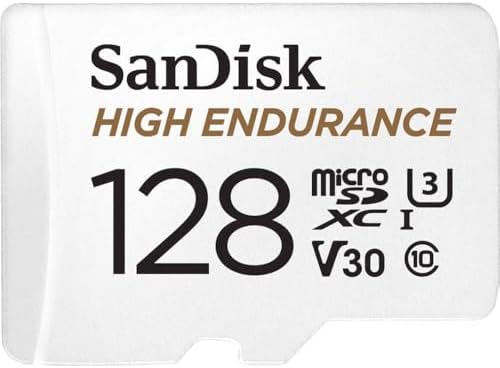
SANDISK 128GB High Endurance Video microSDXC Card with Adapter for dash cam and home monitoring systems - C10, U3, V30, 4K UHD, Micro SD Card - SDSQQNR-128G-GN6IA
Labeled by the manufacturer for dash cams and home monitoring systems, with C10, U3, and V30 ratings, 4K UHD support, and a full size adapter in the box. The one card here whose own description matches the job.
Visit on Amazon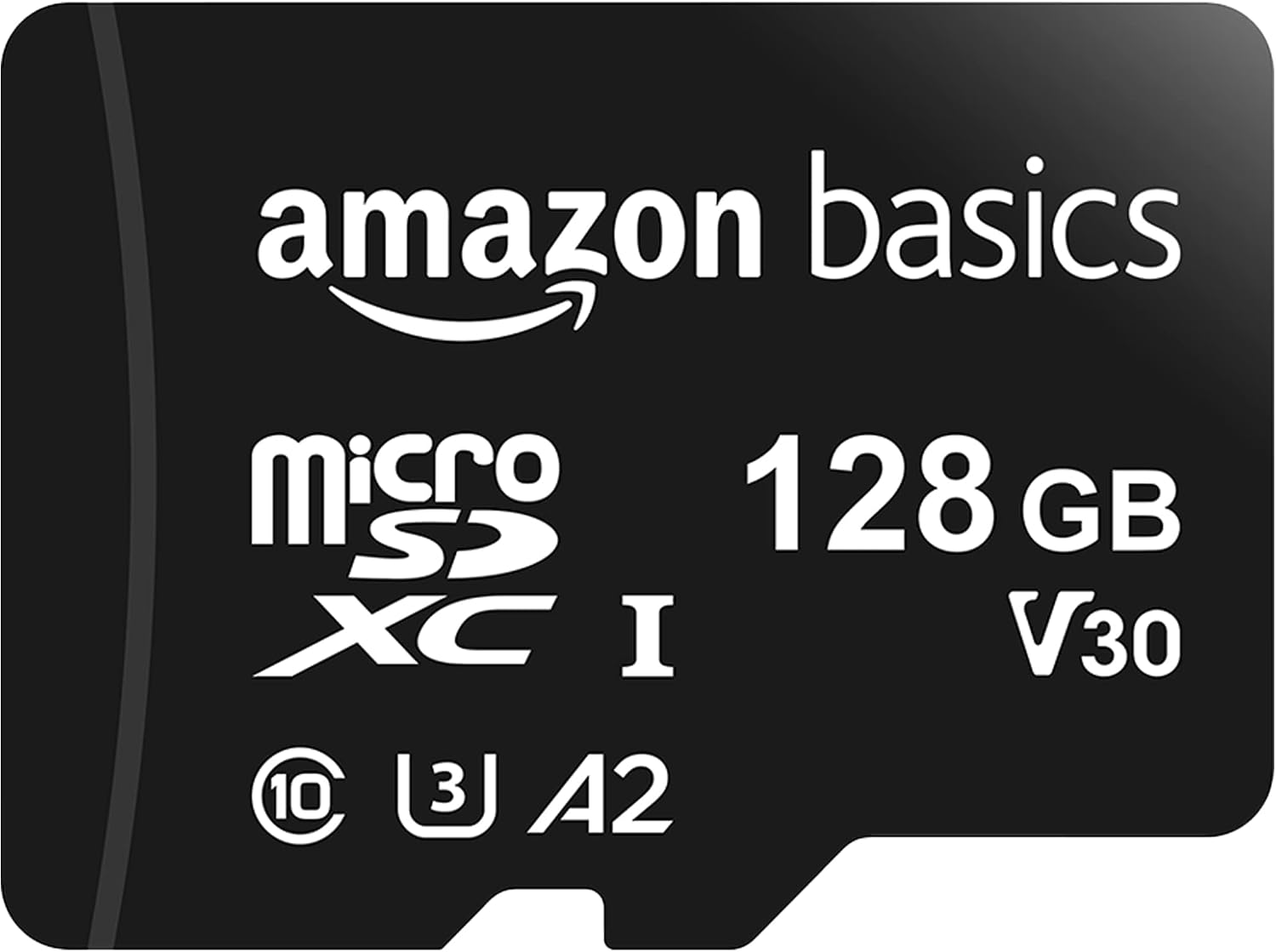
Amazon Basics microSDXC Memory Card with Full Size Adapter, A2, U3, Read Speed up to 100 MB/s, 128GB, Black
An A2, U3 general purpose card with advertised read speeds up to 100 MB/s, 128GB of capacity, and a full size adapter. Good specs on paper, but the listing makes no dash cam or endurance claim.
Visit on Amazon
SANDISK 256GB Extreme microSD Card + Adapter, Up to 190MB/s Read Speeds
The largest card in this group at 256GB, with advertised read speeds up to 190MB/s and an adapter included. Best suited to long loops and fast offloading when your camera accepts the capacity.
Visit on Amazon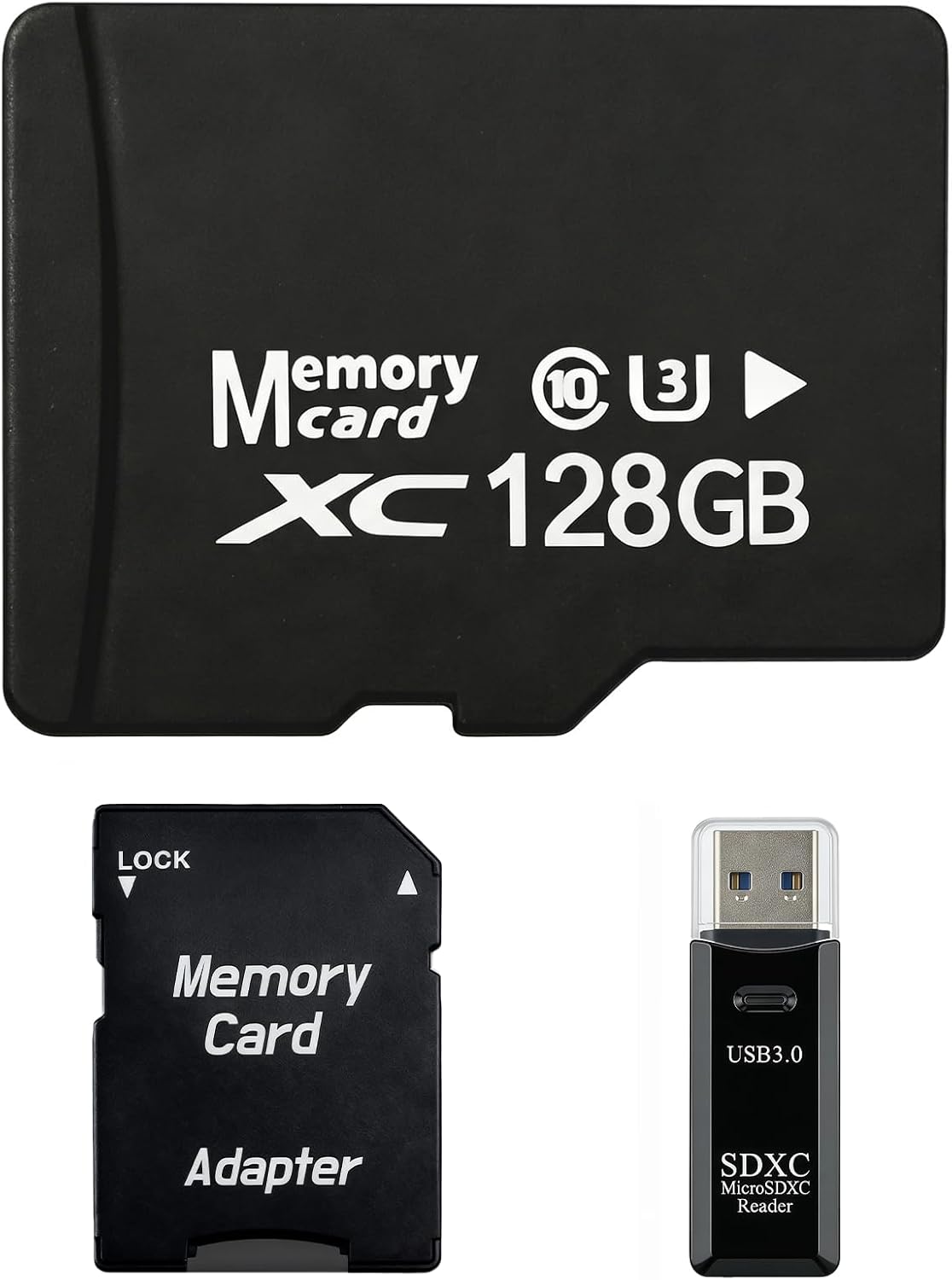
128GB Micro SD Card for Dashcam & Security Camera U3 V30 A1
128GB with U3, V30, and A1 ratings, positioned by its own listing for dashcam and security camera use. The explicit video speed class is what you want to see for 4K recording.
Visit on Amazon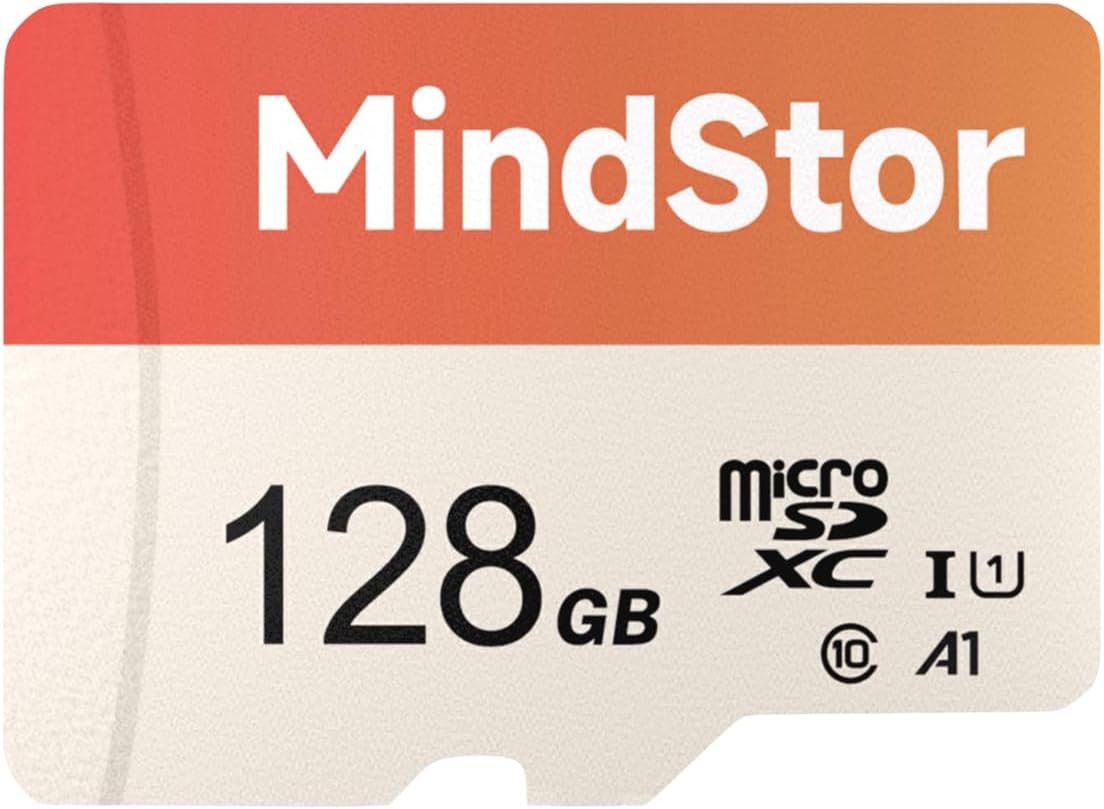
128GB Micro SDXC Memory Card, 90MB/s Read, U1, A1, with Adapter
128GB, U1 and A1 rated, with advertised read speeds of 90MB/s and an adapter included. A budget 128GB option better matched to 1080p recording than to 4K.
Visit on Amazon
64GB Micro SDXC Memory Card, 90MB/s Read, U1, A1, with Adapter
The smallest capacity here: 64GB with U1 and A1 ratings, 90MB/s advertised reads, and an adapter. A reasonable spare card or a fit for cameras that cap capacity at 64GB.
Visit on AmazonPrices and availability may change. Check the retailer for current details.
How these products were compared
This guide compares stated write speed class (C10, U1, U3, V30), application performance rating (A1 or A2), advertised read speed, whether the manufacturer labels the card for dash cam or monitoring use, capacity, and adapter inclusion. Product names, images, and retailer links are matched by ASIN so that every card points to the product shown.
Be clear about what this is and what it is not. These are manufacturer-stated figures pulled from each listing, not bench numbers from my own card reader. I did not run sequential write tests on these six cards, and I am not going to pretend a spec sheet is a lab result. What the specs do tell you is how each card is positioned: a card sold with U3 and V30 on the label is built to sustain 30 MB/s of video writing, and a card whose description names dash cams is at least acknowledging the workload. That is enough to sort a short list honestly.
The other reason to start with the label is heat and rewriting. A dash cam overwrites the same card continuously, in a hot car, for years. Endurance is the spec that speaks to that, and it is the spec most budget listings leave out entirely.
How to choose the right microSD card
Start with write speed class, because that is the number that decides whether your recording survives a bumpy road. U1 means a 10 MB/s minimum sustained write; U3 means 30 MB/s. C10 is the older Class 10 marker at the same 10 MB/s floor, and V30 is the video speed class at 30 MB/s. A 1080p camera can often live with U1, but a 4K camera writes far more data per second, and a card that cannot keep up produces stuttering, dropped frames, or a recording that stops without telling you. If your camera records 4K, treat U3 and V30 as the floor. For more on matching a card to a camera's actual recording demands, see my notes on best dash cams for night driving, where bitrate matters more than the resolution badge.
Second, look for endurance or dash cam labeling. The best affordable micro sd cards are not always the ones with the biggest capacity number on the front. A card explicitly described for dash cams and home monitoring is telling you the manufacturer expects continuous overwrite cycles. A general purpose card with identical speed ratings is not making that claim. That does not mean it will fail tomorrow, but it does mean you are the test program.
Third, match capacity to your camera, not to your ambition. Many dash cams state a maximum supported capacity, commonly 128GB or 256GB, and some older models top out lower. Buying a 256GB card for a camera that only reads 64GB gets you a card the camera will reject or format down. Capacity sets how far back your loop reaches, which is exactly the window you have when an incident happens and you need to pull the clip three days later.
Fourth, think about offloading. Advertised read speed, whether 90 MB/s, 100 MB/s, or 190 MB/s, is about how fast you can copy files to a laptop, not about recording quality. If you pull footage weekly, that number matters more than you think. All six cards here ship with an adapter, which means they slot into a normal SD reader without hunting for a dongle.
Fifth, ignore the application rating confusion. A1 and A2 describe random read and write performance for running apps off the card, which is a phone and tablet concern. They are not a measure of video endurance. A card can carry A2 and still be a poor choice for a camera that records around the clock.
SANDISK 128GB High Endurance Video microSDXC Card
This is the top pick because it is the only card in this group whose product description names dash cams and home monitoring systems directly, while also carrying C10, U3, and V30 ratings and 4K UHD support. That combination is what a dash cam actually asks for: a sustained write floor high enough for high bitrate video, and a manufacturer statement that continuous recording is the intended use. The 128GB capacity sits in the range most cameras accept, and the full size adapter means you can hand the card to an adjuster or a laptop without an adapter hunt.
The trade off is honest: it is not the biggest card here and it is not the fastest on advertised reads. The 256GB Extreme beats it on both capacity and read speed, and the Amazon Basics card matches it on speed class with an A2 rating. What the High Endurance card has that the others do not is the endurance positioning on its own label. If you want one card to sit in the camera and be forgotten about, that positioning is the reason to pay for it.
Alternatives to consider
The SANDISK 256GB Extreme microSD Card is better suited to drivers who keep long loops or pull footage often, since it has the largest capacity in this group and advertised reads up to 190MB/s. The 128GB Micro SD Card for Dashcam & Security Camera is a stronger fit when you want a card that states U3, V30, and A1 together and is positioned by its listing for dashcam and security camera work, at a lower capacity tier than the Extreme.
The Amazon Basics microSDXC Memory Card, the 128GB Micro SDXC Memory Card with U1 and A1 ratings, and the 64GB Micro SDXC Memory Card cover the rest of the field. The Amazon Basics card is the general purpose option with A2 and U3 and reads up to 100 MB/s. The two U1 cards are the budget plays: fine for 1080p recording or for a camera with a low capacity ceiling, and the 64GB version works as a glovebox spare you format when you need it.
Day-to-day use and maintenance
Format the card in the camera, not on your computer. Every dash cam writes its own folder structure and loop behavior, and a card formatted elsewhere can behave unpredictably. Do that first format in the camera, then leave the card alone. Pull it only when you need footage or when you are rotating cards.
Heat is the killer, and Phoenix taught me that better than any spec sheet. A card that lives on a windshield through summer is being cooked and rewritten at the same time. If a card starts throwing errors, dropping clips, or demanding a format for no reason, retire it. Do not reformat it and put it back in service on the theory that it sorted itself out. The whole point of the system is that the file is there when you need it, and a card that has already lost data once has told you what it is.
Check your loop recording periodically. Some cameras silently stop overwriting when the card fills, and you find out at the worst possible moment. Once a month, pull the card, confirm the newest files are actually recent, then put it back. Keep the adapter somewhere in the car so you can hand footage to someone on the spot.
Buying checklist
- Confirm the maximum capacity your camera states it supports before buying anything larger.
- Choose U3 and V30 if your camera records 4K; U1 is a reasonable floor for 1080p only.
- Verify the exact listing mentions dash cam or monitoring use if endurance matters to you.
- Confirm an adapter is included so you can read the card on a laptop.
- Check the retailer's current price, availability, and return terms before you commit.
Final recommendation
Choose the SANDISK 128GB High Endurance Video microSDXC Card when you want a card explicitly labeled for dash cam and home monitoring work, with U3 and V30 ratings and a capacity most cameras accept. Choose the SANDISK 256GB Extreme microSD Card when capacity and fast offloading matter more than endurance labeling, and drop to the U1 cards only for 1080p recording or a camera with a low capacity ceiling. The best affordable micro sd cards are the ones whose labels match the job your camera asks them to do every day.