Related: Dash Cam Night Footage: What Holds Up After Dark
I drove rideshare in Phoenix for six years, about 40,000 miles a year on I-10 and the 101, most of it after dark when the surge pricing kicked in. I got rear-ended twice. The first one was a red-light runner who told the cop I ran the light, and with no footage it turned into a three-month he-said-she-said fight that raised my premium anyway. The second was a distracted driver at 45 mph, and by then I had a cheap cam on the windshield. That claim settled in nine days. The only difference between those two outcomes was a camera and a memory card.
That is why a dash cam parking mode setup deserves more thought than the box it comes in. Parking mode is the feature people ask me about most, and the one that fails most often, because it depends on two separate purchases: the camera on your glass and the way you feed it power when the ignition is off. Get the camera right and skip the wiring, and you own a very expensive witness that sleeps through every parking lot hit and run. Get the wiring right and mount a camera that cooks in July, and you own nothing at all.
I keep a spreadsheet of every cam I run, and this guide covers the four pieces I would actually put in a car today: a dual-channel 4K system, a compact single-channel cam, a vehicle-specific unit for one very common SUV, and the hardwiring cable that turns parking mode from a brochure line into a recording.
Best Overall: ROVE R2-4K Dual PRO Dash Cam Front and Rear
This is what I would put on my own windshield if I were buying a full setup today. It is a dual-channel system, 4K up front and 2K out back, and the rear channel is the part people skip until the day they need it.
Rear-end collisions are the most common claim in rideshare work and in stop-and-go traffic, and they are the ones you never see coming. A front camera shows you rolling forward and then shows the world jolting. A rear camera shows the other driver's bumper, their plate, and the fact that their nose was down in a phone. If you are choosing between a better front camera and adding a rear one, add the rear one. Check current Amazon price, and read the spec sheet rather than the sticker.
Which brings up the number that decides everything. Resolution is a marketing figure. What decides whether you can read a plate at 40 mph is the sensor behind the lens and the bitrate the camera records at, and those are the two things nobody prints on the front of the box. A 4K file squeezed into a low bitrate looks worse than a clean 1440p file, especially at night when the encoder has less light to work with.
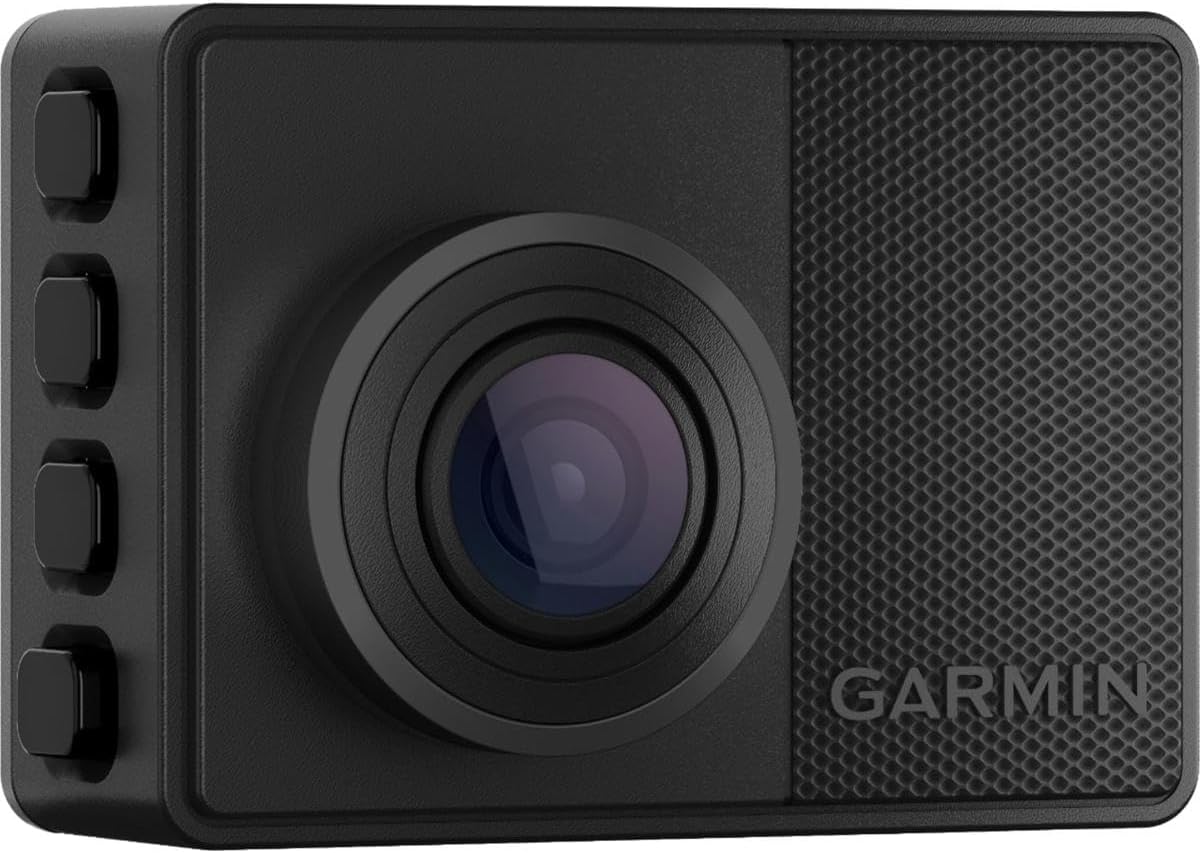
Best Value: Garmin Dash Cam 67W
The 67W takes the opposite approach: one camera, small footprint, 1440p, and a 180-degree field of view that is wider than the 140 degrees I usually argue for. Wider glass catches more of the side of your car, which matters in lane-change arguments and parking lot scrapes. The trade is that a wide lens stretches everything at the edges, so a plate at 30 feet looks like a smudge unless the sensor is good enough to hold detail.
For rideshare drivers, the size is the selling point. It tucks behind the mirror, it does not block your view, and it does not advertise that there is something worth stealing in the car. Voice control lets you tag an incident without taking a hand off the wheel, and the connected features mean you can pull a clip without dismantling the mount in a parking lot. Check current Amazon price before you commit.
Two honest caveats. It is single channel, so there is no rear coverage. And it ships with a memory card that you should verify is high endurance before you trust it with months of loop recording, because a standard card corrupts at exactly the moment you need the clip, and it does it quietly.
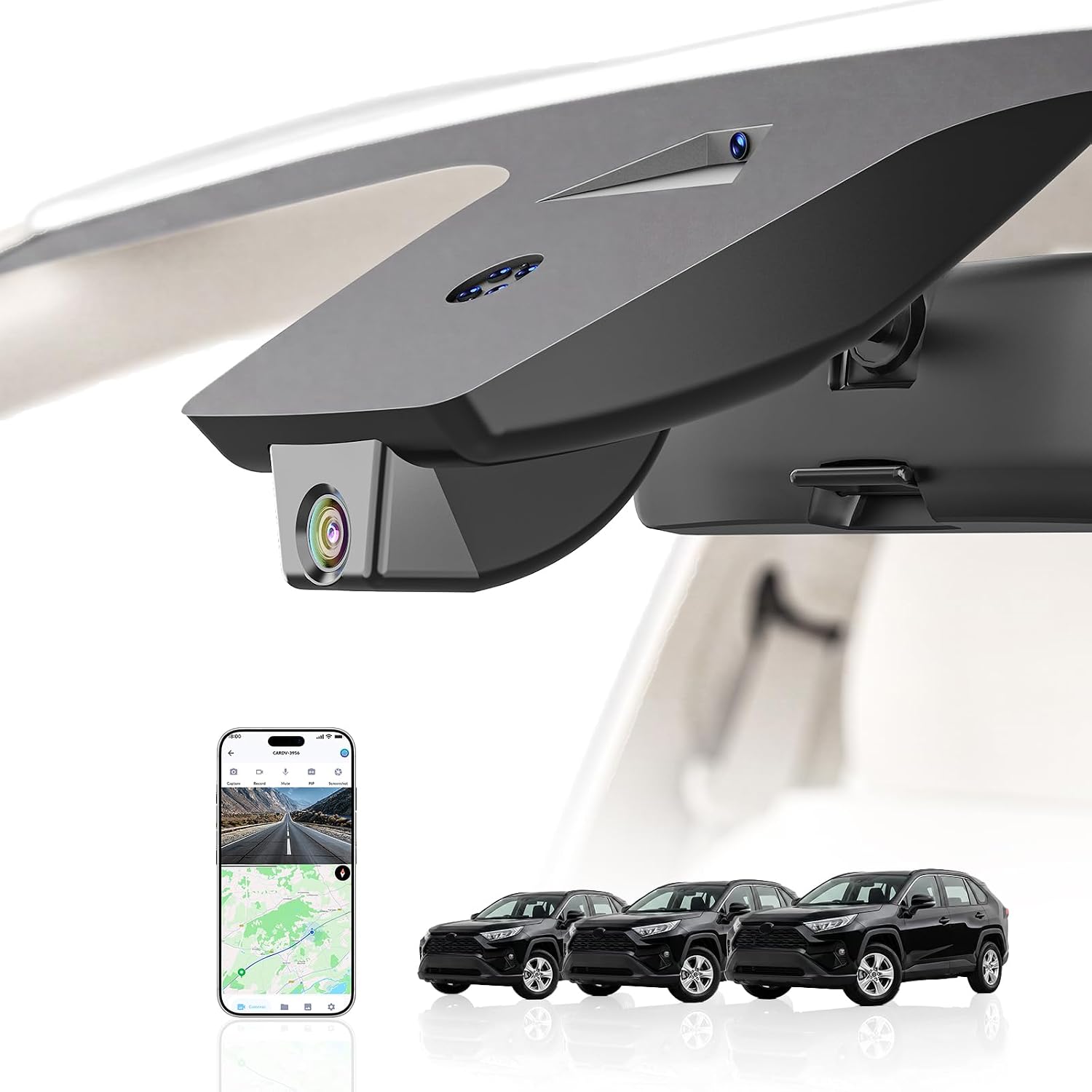
Best Fit for a RAV4: 4K Dash Cam for Toyota RAV4 2022-2025
Most dash cams are universal, which means most of them hang off your glass on a suction cup or a strip of 3M tape, and in Phoenix both of those fail eventually. A suction cup that holds at 70 degrees lets go at 115, usually at 2 a.m. in a parking lot, and you find it on the floor mat the next morning.
This unit is built for the 2022 through 2025 RAV4 with the vent hole, Model B, which means it mounts into the existing housing instead of clinging to the windshield. It records in 4K, and the integrated look is the real feature here: nothing to fall off, nothing to hide, no cable draped down the A-pillar. Check current Amazon price and confirm your configuration.
The caveat is the one that always matters with vehicle-specific gear: fitment. Trim level, model year, and whether your car has that vent hole all decide whether this drops in cleanly or sits in a drawer. If it fits, it is the tidiest install on this list. If it does not, it is not close.
The Cable That Makes Parking Mode Real: THINKWARE Hardwiring Cable
Parking mode is the feature that sells dash cams and the one that most often does not work, and the reason is almost always power. Plug your camera into the cigarette lighter and it dies when you turn the key. Parking mode needs constant power, which means a fuse tap and a hardwire kit. This is that kit: a 9.5 meter cable made for Thinkware cameras, long enough to run from the fuse box to the windshield and route it cleanly instead of leaving a loop of slack in the footwell.
Two things to know first. Match the kit to your camera brand, because this one is built for Thinkware units and a mismatched kit means a dead camera or a blown fuse, sometimes both. Second, a hardwire kit is not a battery management system. Constant power is constant drain, and a cheap kit will happily pull your battery down until the car will not start. Check current Amazon price and confirm the kit includes a voltage cutoff that shuts the camera down before your battery is too weak to crank.
How I tested
Every camera I write about goes through the same four tests, in the same order.
Night footage first. I pull clips from a 40 mph run on an unlit stretch and freeze the frame on a plate. If I can read it, the camera passes. If I cannot, no amount of daytime sharpness saves it. Accidents do not happen at noon in perfect light.
Heat next. A Phoenix dashboard in summer will hit 180 degrees inside a parked car. Anything running a lithium battery swells in that environment, and a swollen battery is a camera that fails without warning. Capacitors survive heat. Batteries do not.
Then parking mode. Not "does it record," but "does it record and still leave the car startable in the morning." That is a battery drain test on a real car over real nights, and it is the test almost nobody runs.
Last, the card. Loop recording is only as reliable as the card under it, and a card that stops looping is a card that stopped recording weeks ago without telling you. High endurance rating, verified on the card itself.
Analysis and test results
Here is what those tests separate.
Bitrate beats resolution. Two cameras can both claim 4K and produce wildly different footage, because resolution is the frame size and bitrate is how much data fills it. A low bitrate 4K file falls apart in motion and in low light. If a spec sheet refuses to state the bitrate, that is an answer.
Field of view is a trade, not a score. 140 degrees is the sweet spot for plate legibility. The 180-degree lens on the Garmin buys side coverage at the cost of edge distortion. Neither is wrong, but know which problem you are solving. If your worry is a lane-change dispute, go wide. If your worry is a plate, stay closer to 140.
Power source decides lifespan. Capacitor cameras survive heat. Lithium battery cameras do not survive a desert summer. That is chemistry, not preference.
Parking mode is a wiring project. The camera is half the system. The fuse tap, the voltage cutoff, and the install are the other half, and skipping them means the camera is asleep exactly when someone backs into your bumper and drives off.
And the card is not an accessory. It is the part that decides whether any of the rest of it matters. Buy high endurance, verify the rating, and replace it on a schedule instead of waiting for a failure you will only discover after the crash.
The dash cam reference table
| Product | Channels and resolution | Best for | Notes |
|---|---|---|---|
 Visit on Amazon → ROVE R2-4K Dual PRO Dash Cam Front and Rear |
Front and rear, 4K plus 2K | Evidence from both ends of the car | Check current Amazon price |
 Visit on Amazon → Garmin Dash Cam 67W |
Single channel, 1440p, 180-degree field of view | Rideshare and small windshields | Check current Amazon price |
 Visit on Amazon → 4K Dash Cam for Toyota RAV4 2022-2025 |
Single channel 4K, vehicle-specific mount | RAV4 owners who want an integrated install | Confirm trim and vent hole first |
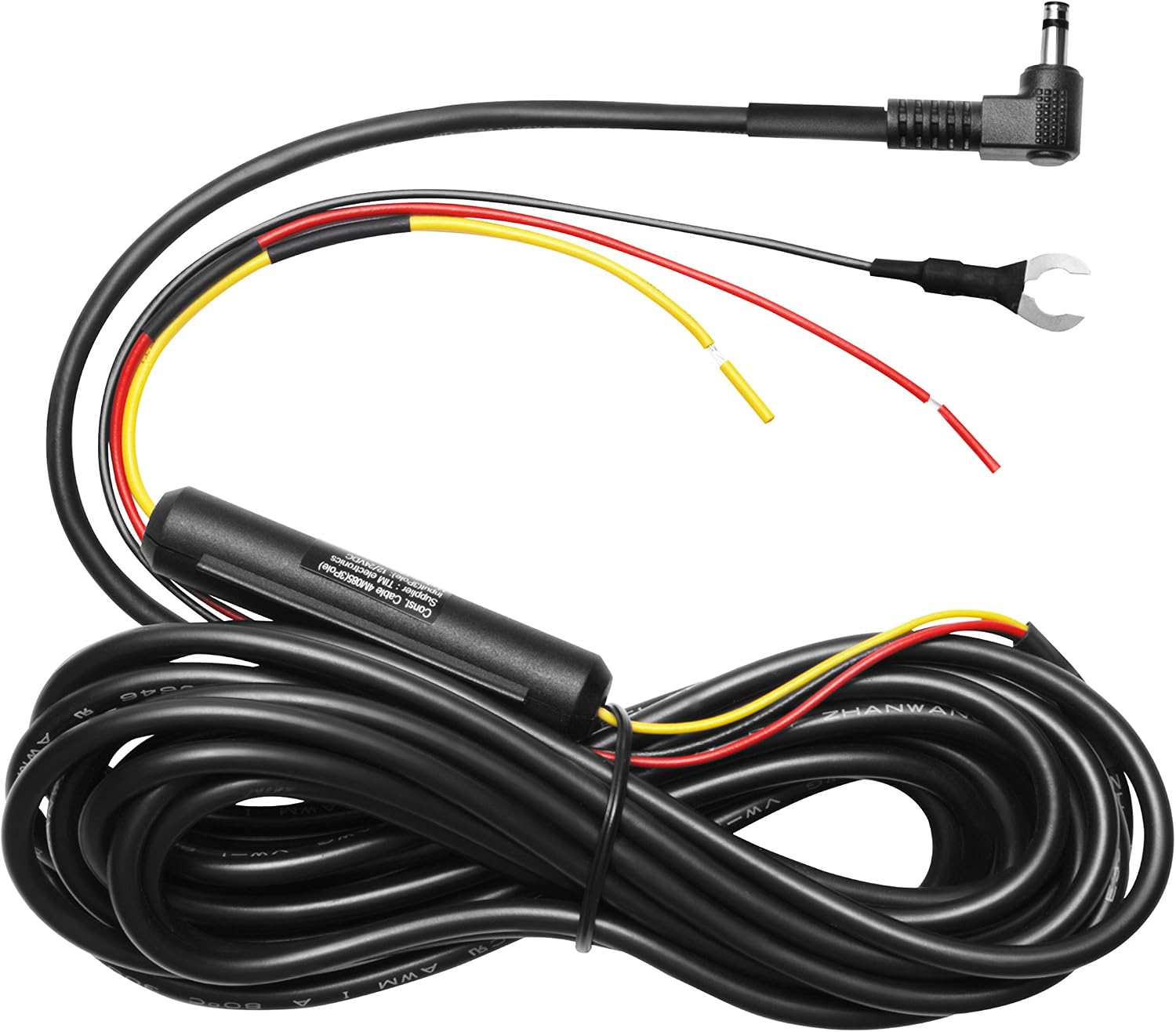 Visit on Amazon → THINKWARE Hardwiring Cable 9.5m |
Accessory, 9.5 meter hardwire cable | Making parking mode run off the fuse box | Match to your camera brand |
Should you buy the ROVE R2-4K Dual PRO?
Yes, if you want coverage in both directions. It is the dual-channel pick here, 4K in front and 2K behind, and the rear view is the one that settles the claims people actually file. Check current Amazon price, then check the bitrate before you decide, because resolution alone does not read plates.
The reason I put it first is simple. In six years of rideshare driving, the two crashes that happened to me were both rear impacts, and the camera that saved the second claim was pointed backward as much as forward.
Should you buy the Garmin Dash Cam 67W?
Yes, if you drive rideshare or have a crowded windshield. It is small, it is discreet, it shoots 1440p, and the 180-degree lens sees more of the side of your car than a narrower one. It is single channel, so you give up rear coverage, and you should confirm the included card is high endurance before relying on it.
For a driver who wants a witness that nobody notices, that trade is worth it. For a driver who wants the whole picture, spend the extra on the dual-channel setup.
Should you buy the RAV4 dash cam?
Yes, if it fits your exact vehicle. Mounting into the factory housing beats a suction cup that quits at 115 degrees, and it keeps the windshield clean with no cable running down the pillar. Check current Amazon price and confirm your model year, trim, and vent hole first, because vehicle-specific gear is unforgiving about fitment.
Do you need the THINKWARE hardwiring cable?
Only if you are running a Thinkware camera and you want parking mode to work when the car is off. The cigarette lighter dies with the ignition, so parking mode lives or dies on a proper fuse box connection. Match the kit to your brand, and confirm it has a voltage cutoff so a week of parking mode does not end with a dead battery and a jump start.