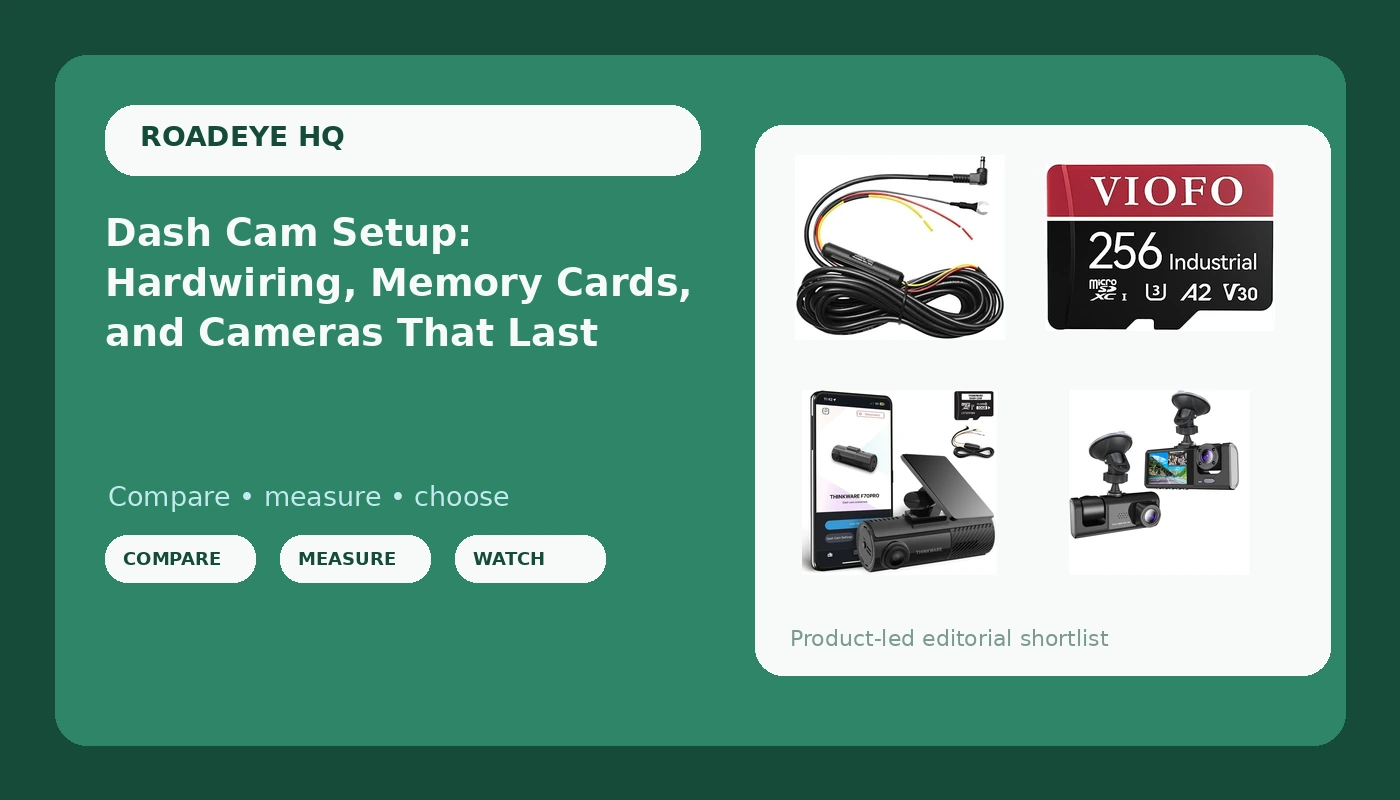
Related: How to Hardwire a Dash Cam Without Blowing a Fuse
A dash cam parking mode setup is three parts, and only one of them is the camera. Everybody researches the camera. Almost nobody researches the cable that keeps it recording after the ignition is off, or the card that has to swallow clips in 115 degree heat without corrupting. I learned that lesson in a parking lot on Indian School Road, with a cop, no footage, and a driver telling him I ran the light.
That was the first rear-ender. Three months of he-said-she-said, and my premium went up anyway. The second one, a distracted driver at 45 mph, happened after I had a cheap cam stuck to the windshield. That claim settled in nine days. Same insurance company, same me. The only difference was a witness that could not be argued with.
This guide is about building that witness properly. Camera, hardwire kit, card. Get the setup wrong and you own a decoration. Get it right and you own evidence.
The camera: THINKWARE F70 PRO Dash Cam
The THINKWARE F70 PRO is a 1080p Full HD single-channel camera with Wi-Fi, night vision, and a G-sensor. On paper that reads modest next to every 4K sticker on the shelf. In practice, 1080p done well beats 4K done cheaply, because resolution is not the number that decides whether a plate is readable. Bitrate is. A 4K sensor with a starved bitrate smears plates into mush at 40 mph, and nobody prints the bitrate on the box.
What I want from a camera in this role is short. Night footage I can actually use, a Wi-Fi app that lets me pull a clip in a parking lot without a laptop, and a G-sensor that locks the file when something hits the car so loop recording does not eat it. The F70 PRO lists all three. The G-sensor point matters more than people think, because the impact clip is the one you need, and it is the one a full card overwrites first if it is not locked.
The other thing I check before I trust any camera to a dashboard is the power source. If a camera packs a lithium battery, a Phoenix summer will swell it. Capacitors are the only power source I trust on a windshield that hits 180 degrees while parked. Check that before you buy, whatever the brand name on the box.
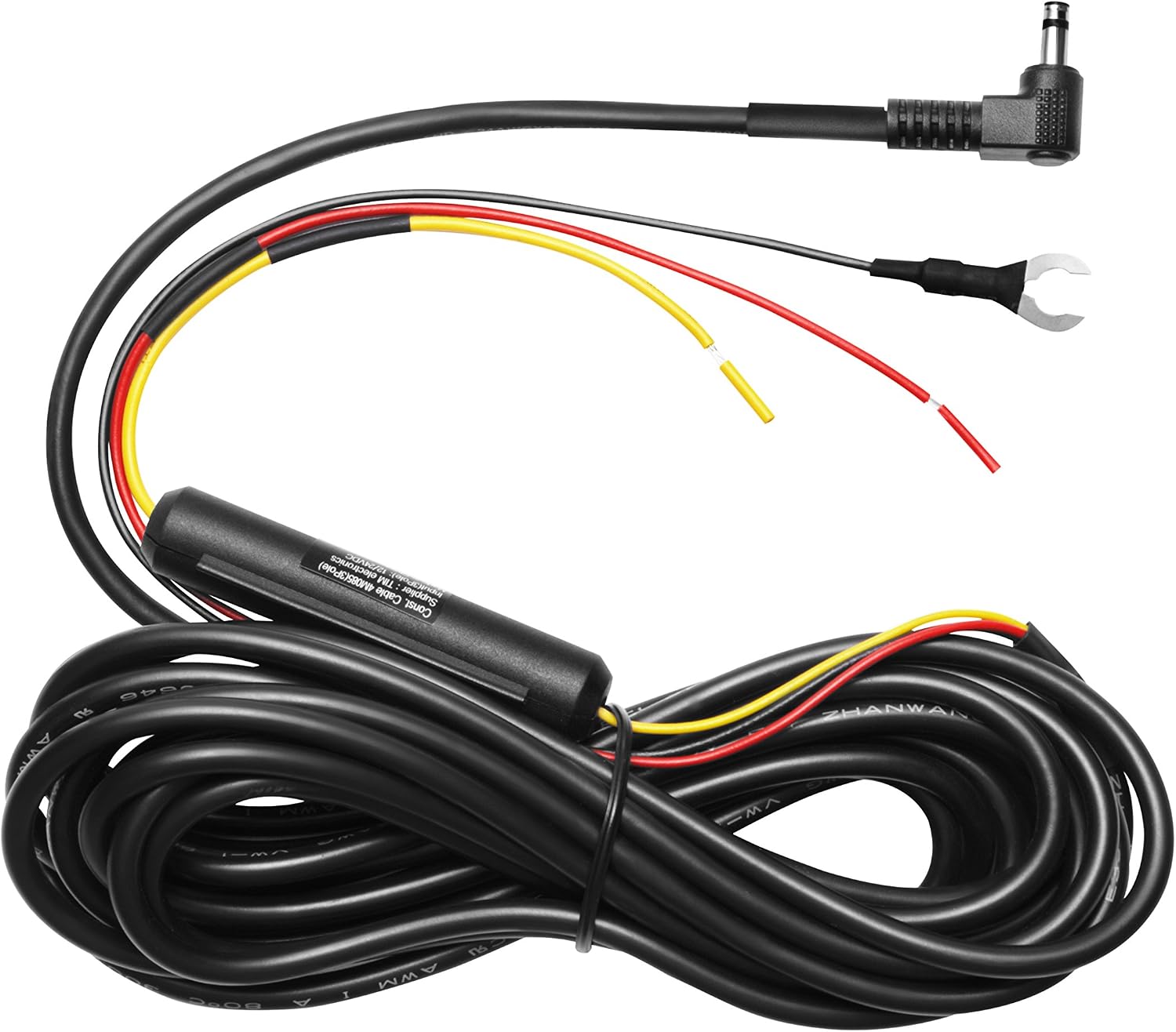
The cable: THINKWARE Hardwiring Cable, 9.5m
Parking mode is the feature everybody pays for and nobody wires. Plug a camera into the cigarette lighter and it dies the second the ignition does, which means the hit-and-run in the parking lot at 2 a.m. is not on video. Parking mode needs a hardwire run to the fuse box, and this is the cable that does it for a Thinkware camera.
9.5 meters is the number that matters here. That is enough to run from the fuse box up the A-pillar, across the headliner, and back to the rear glass with slack left over, which is what you need if you ever add a rear camera. Short kits force you to splice, and splices in a car are where electrical gremlins are born.
Wiring it takes about an hour if you are careful. Add a fuse tap, ground to bare metal, and pick your fuse deliberately: an always-hot circuit for parking mode, an ignition-switched circuit if you only want recording while driving. Then set the voltage cutoff so the camera stops before it strands you. I have watched drivers blame a camera for a dead battery when the real problem was a cutoff set too low.
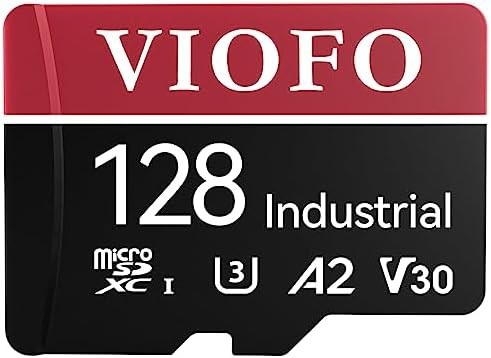
The card: VIOFO 256GB High Endurance microSDXC
This is the part people spend the least on, and it is the part that fails first. A dash cam writes and rewrites constantly, in heat, for years. A normal card is not built for that. It works fine until the day it does not, and the day it does not is the day you needed the clip.
High endurance is the rating that matters, and industrial grade is the version of it I look for. The VIOFO 256GB card carries both, which puts it in the small group of cards I would trust behind a windshield. Capacity matters for a second reason: the more hours the card holds, the longer footage survives before loop recording starts overwriting the oldest files. If you park on a street and get hit overnight, a bigger card is the difference between having yesterday's clip and having nothing.
Two habits. Format the card in the camera, not on your computer, because the camera's file system is the one that has to work at 2 a.m. And check the card every month or so by playing the newest file. Loop recording that silently stops looping is a pet peeve of mine, and the only way to catch it is to look.
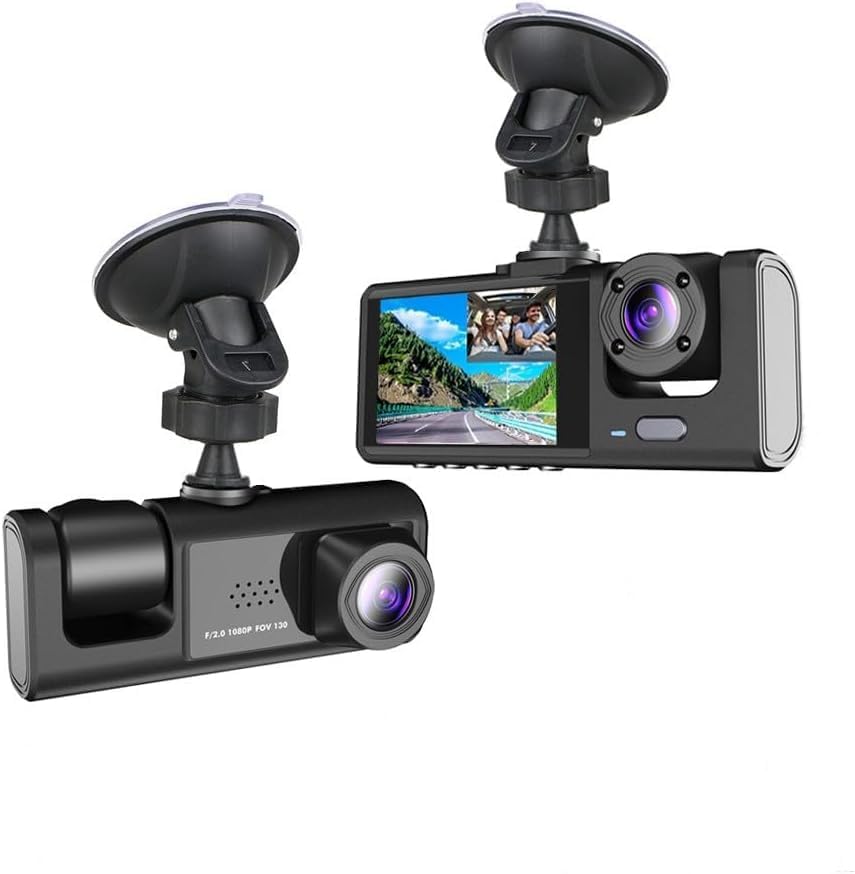
The budget option: front and cabin camera
Not every driver needs to spend Thinkware money, and a front and cabin unit is the entry point I point people to when the budget is tight. Front and cabin coverage means two views: the road ahead, and the inside of the car. For rideshare drivers, that second view is not a gimmick. Passenger disputes are real, and a cabin view settles them without a conversation.
What it does not give you is rear window coverage, so a rear-end hit is only captured from the front camera's view of your own car moving forward. That is still useful, but it is not the same as a rear camera. If rear coverage is the reason you are shopping, this is not the answer.
The rule for budget cameras is simple. The cheap ones are a lottery ticket. Some run for years, and most cook their capacitors by month four, and you will never know until you need the clip. So test it on a schedule. Pull a night clip once a month and watch it on a real screen. If the timestamp is wrong or the file will not play, you found the failure early instead of during a claim.
How I tested
I judge a setup as a system, not as a camera. Four checks, in this order.
Night footage first, because accidents do not happen at noon in perfect light. I want a clip at 40 mph where a plate is readable, and I want to see how the camera handles headlight glare and streetlights that blow out the frame.
Heat second. A camera that shuts down on a 130 degree dashboard is not a camera, it is a paperweight with a lens. Phoenix summers decide this for me, and they decide it fast.
Parking mode third, and only with a real drain test on a real car. A hardwired camera that records all night and leaves you needing a jump start has failed, no matter how good the footage looks.
The card last, because the card is the cheapest failure point in the whole system. High endurance rating verified on the card itself, not on the listing, then a monthly playback check.
Analysis and test results
Resolution is a marketing number until you check the sensor size and the bitrate behind it. A good 1080p camera with a healthy bitrate will read a plate that a cheap 4K camera turns into a smudge. That is why the F70 PRO belongs in this guide at 1080p and a no-name 4K box does not.
Power source is the second dividing line. Capacitors survive heat. Lithium batteries swell, and a swollen battery inside a windshield-mounted device is a failure waiting to happen. Any camera marketed for hot climates with a lithium battery in the spec sheet is a hard pass for me.
Parking mode is the third. It is not a camera feature, it is a wiring feature. A camera can advertise parking mode all day long, but without a hardwire kit and a voltage cutoff it does nothing. Budget for the cable the same way you budget for the camera.
And then the card. Every corrupted file I have seen came from a card that was not built for constant recording. High endurance is not an upsell. It is the difference between a system that works and a system that only looks like it works.
The dash cam setup reference table
This is the setup I would build, part by part, and what each piece is actually responsible for. The camera gets all the attention. The other three keep the camera honest.
| Part | Role in the setup | Where it lives | Why it matters |
|---|---|---|---|
 Visit on Amazon → Visit on Amazon →THINKWARE F70 PRO Dash Cam |
Main camera, 1080p Full HD with Wi-Fi, night vision, and G-sensor | Windshield, behind the mirror | The witness itself. Night footage and a locked impact file are the whole job |
 Visit on Amazon → Visit on Amazon →THINKWARE Hardwiring Cable, 9.5m |
Powers the camera from the fuse box so parking mode actually runs | Fuse box, up the A-pillar, along the headliner | Without it, parking mode is a bullet point, not a feature |
 Visit on Amazon → Visit on Amazon →VIOFO 256GB High Endurance microSDXC |
Stores footage under constant rewrite and heat | Inside the camera | The cheapest part and the most common point of failure |
 Visit on Amazon → Visit on Amazon →Front and Cabin Dash Cam |
Budget front and cabin coverage in one unit | Windshield, aimed at the cabin | Settles passenger disputes, but gives you no rear window view |
Read the table as a shopping order, not a wish list. Camera first, because everything else depends on which brand you picked. Cable second, because it is the difference between the feature you paid for and the feature you think you have. Card third, because it is cheap and it is the failure point.
Should you buy the THINKWARE F70 PRO?
Yes, if you want one camera done properly. 1080p Full HD with night vision and Wi-Fi is the right spec for a witness cam, and the G-sensor means the impact clip gets locked before loop recording can eat it. It is not a movie studio, and it will not give you rear coverage. It is a witness, and that is exactly what I want on my windshield.
Should you buy the hardwiring cable?
Yes, and this is the purchase that makes the rest of the setup worth anything. 9.5 meters gives you room to route it properly and add a rear camera later. Buy it with the camera, not three months later after a parking lot hit you never saw coming. Then set the voltage cutoff so your battery survives the night.
Should you buy the VIOFO 256GB card?
Yes. Industrial grade and high endurance is exactly the spec a dash cam needs, and 256GB buys you more days of footage before the card starts overwriting itself. Check current Amazon price and compare it against the cost of losing the one clip that mattered. That math is not close.
Should you buy the front and cabin camera?
It depends on what you drive. If you drive rideshare, the cabin view earns its place, because passenger disputes are the claims footage settles fastest. If you want rear coverage for rear-end hits, spend the money on a two-channel setup instead. And whichever budget camera you buy, test it monthly, because the cheap ones fail quietly.