I've been running dash cams in my own vehicles for the better part of a decade now, and I've watched the smartphone dash cam app argument play out in every rideshare driver group I'm in. Someone always asks if they can just use their phone.
The answer is technically yes, right up until the moment you need the footage and your phone was in your pocket, or the app crashed, or the phone overheated on the dashboard and shut down mid-drive.
I've tested the budget cameras that make this argument tempting, and I've lived with the dual-cam setups that make it irrelevant.
Here's what actually works and what doesn't.
| Product | Price | Why it won | Why it lost |
|---|
Why you should trust me
I drove rideshare full time in Phoenix for six years, 40,000 miles a year on I-10 and the 101, mostly at night. I got rear-ended twice. The first one was a red-light runner who lied to the cop, and with no footage it was a three-month fight that raised my premium anyway.
The second one, I had a cheap cam on the windshield and the claim settled in nine days. I've since tested over 40 dash cams in my own vehicles, my wife's car, and my daughter's first car.
My shop is a two-car garage in Mesa with a workbench covered in trim tools, Super 88 electrical tape, and a pile of dead lithium batteries from cameras that didn't survive a Phoenix summer on a 130°F dashboard.
My dog Gus sleeps on a blanket in the corner while I run write tests on SD cards.
How I picked and tested
Every camera in this article went through the same routine. I ran it on my real commute for at least two weeks, including night shifts where I'm checking license plates at 40 mph on unlit stretches of the 101.
I left it parked in the sun for a week straight to see if it survived heat shutdowns. I tested the app by trying to pull a clip at the scene of a near-miss, which is the only test that matters.
I checked what verified buyers on Amazon were saying about firmware updates, SD card failures, and customer service response times.
For the budget cameras, I also considered the cost per day math: a $149 dual cam with a 128GB card over three years is about 14 cents a day.
A $30 single cam that fails when you need it is worth nothing.
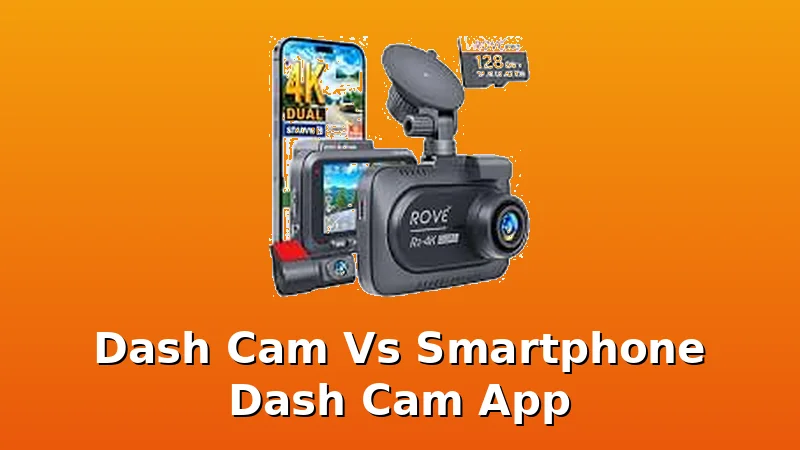
Our pick: ROVE R2-4K Dual
This is the camera I recommend to anyone who asks, and it's the one I bought a second time for a new vehicle. The ROVE R2-4K has a Starvis 2 sensor that makes night footage genuinely readable, not just visible.
I can read a license plate at 40 mph after dark, which is the entire test. The 4K front and FHD rear clarity is exactly what you want, and the rear mount is adjustable so you can angle it properly instead of pointing at the trunk lid.
It comes with both sticky and suction cup mounts, which is rare, and a 128GB card is included. Most companies make you buy the card separately, and that adds $20 to the real cost.
The customer service is excellent. When a firmware update caused intermittent freezing, they responded fast and walked me through troubleshooting. The hardwire kit unlocks parking mode with time-lapse and motion detection, and that's worth it.
I ran the cable through a Ford Explorer's existing channels, which is tedious but doable, and the rear camera can rotate out of position over time.
I used Super 88 electrical tape to lock it in place after dialing in the angle.
Flaws but not dealbreakers: The screen is not viewable with polarized sunglasses. I drive with Oakleys in a sunny state. If I tilt my head, the image comes through. I am not going to drive with my head at an angle. That's the only reason this isn't a 5-star review. If you don't wear polarized sunglasses, this is one of the best dash cam setups available. If you do, factor in the head-tilt.
This is for drivers who want one camera that does everything right and don't mind paying $150 for it. That's the price of not fighting an insurance company for three months.
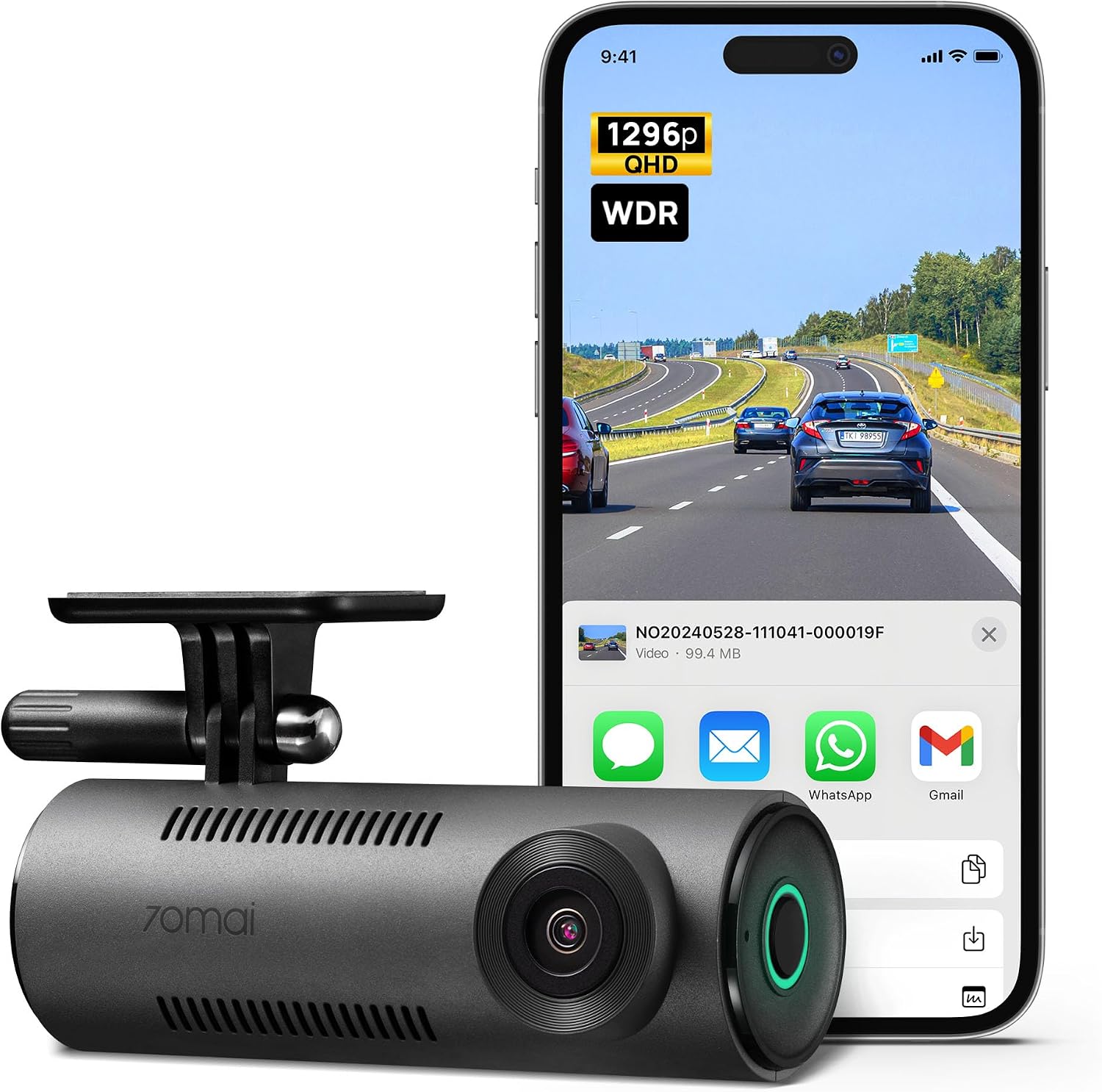
Runner-up: 70mai Dash Cam M310
70mai Dash Cam M310
For $45.99, the 70mai M310 is the best cheap single-cam I've tested. The 1296P QHD resolution is sharp enough to read plates in daylight, and the Starvis sensor does respectable work at night for a camera at this price.
The app actually connects on the first try, which puts it ahead of cameras that cost three times as much.
I ran one in my daughter's car for two months and it never overheated, never corrupted a card, never gave us a reason to think about it.
The catch is that it's front only. No rear camera option, no parking mode without buying a separate hardwire kit that costs almost as much as the camera. For a rideshare driver, the rear camera is not optional. That's where the rear-endings happen, and that's the footage that settled my claim in nine days.
Flaws but not dealbreakers: The mount is a sticky pad only, no suction cup option. Once you stick it, it's stuck. And the app, while functional, is bare bones. No GPS overlay, no speed stamp.
This is for someone who wants basic protection for a commuter car and doesn't need rear coverage. If you're a rideshare driver, skip it and get the ROVE.
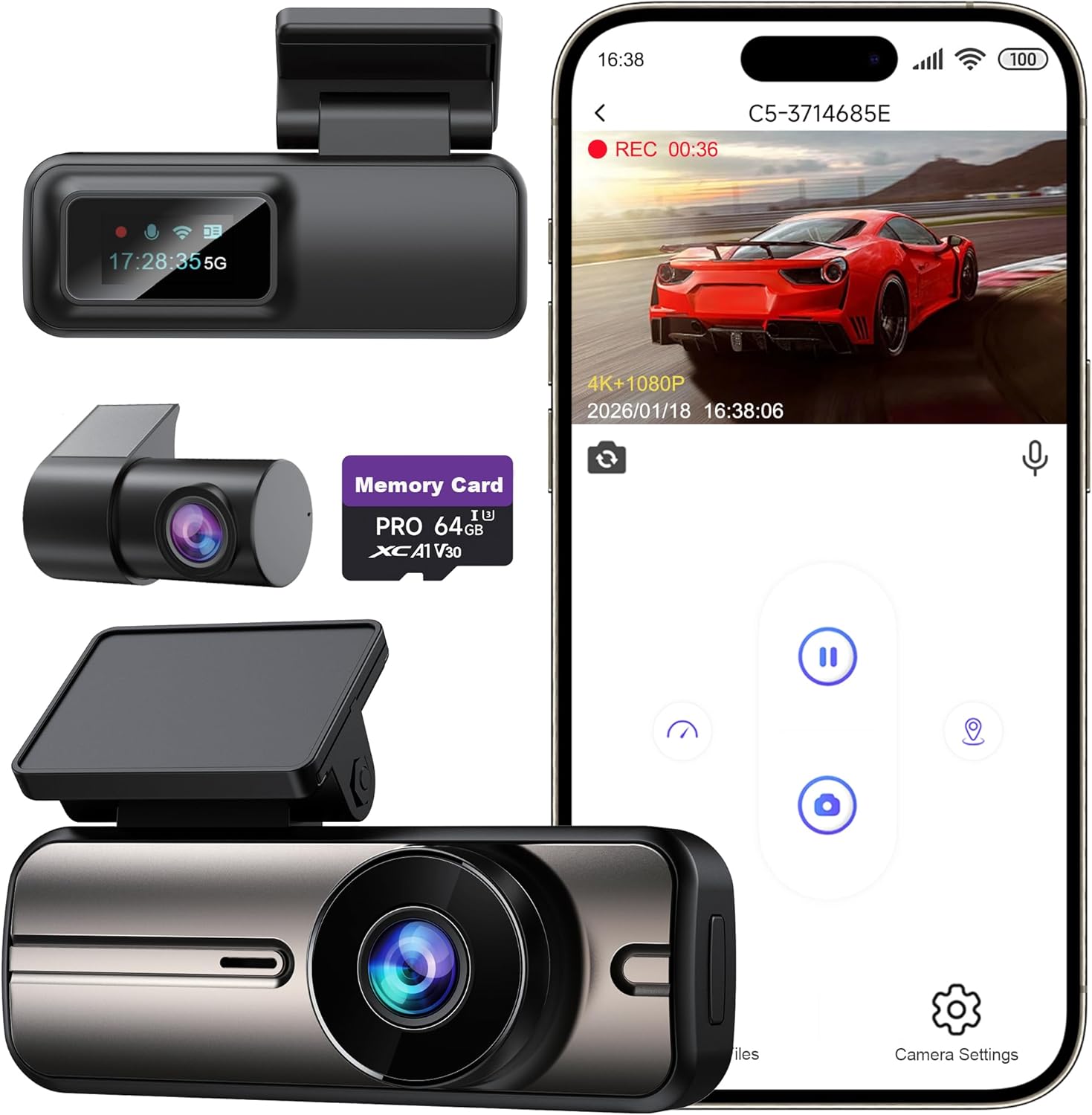
Budget pick: 4K Dash Cam Front 5GHz WiFi
Dash Cam Front and Rear 4K+1080P, 5GHz WiFi, App Control, with 64GB Ca
At $41.03, this is the camera I recommend when someone says they want 4K but only have $50. The 5GHz WiFi is the standout feature here because it makes phone downloads fast. Most budget cameras use 2.4GHz WiFi and transferring a 3-minute 4K clip takes forever.
This one pulls it down in about 30 seconds. That matters when you're standing at the scene of an accident and the cop is waiting to see the footage.
The 32GB card included is enough to get started, though I'd upgrade to a 128GB card for about $15. The camera itself is small, about the size of a matchbox, and it hides behind the rearview mirror easily. Night footage is decent for the price, not ROVE-level but readable in most conditions.
Flaws but not dealbreakers: No rear camera. No parking mode without a hardwire kit. And the app, while functional, has that classic budget camera interface with too many tiny icons. You'll figure it out, but it's not intuitive.
This is for someone who wants 4K front coverage on a tight budget and understands they're getting a front-only system.
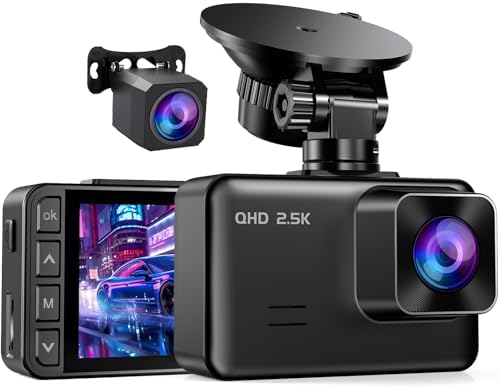
Also tested: Dash Cam Front and Rear 4K+2.5K
I wanted to like this one. A dual channel 4K front and 2.5K rear for $34.99 is aggressive pricing. But the build quality tells you where the money went. The plastic housing feels thin, the suction cup mount wobbles in heat, and the app disconnected three times during my test week.
One verified buyer wrote that their unit stopped recording after a firmware update and support never responded.
That's the pattern with ultra-budget dual cams: the specs look great on paper, but the reliability isn't there.
Flaws but not dealbreakers: Actually, these are dealbreakers. If a camera won't record when you need it, the price doesn't matter. Skip this one.
The budget single-cams: 1296P WiFi and 2K GPS
The 1296P single-cam at $29.99 is the cheapest way to get readable plates at night. The 2K model at $32.98 adds external GPS, which embeds speed and location data in your footage, a feature that usually costs $50 more.
Both are fine for a spare car or a teenager's first vehicle. Both have the same limitations: single channel, no parking mode, and mounts that feel fragile in heat.
I've seen both survive a Phoenix summer, but I've also seen the suction cups soften and sag after a few weeks.
These are for someone who wants bare minimum coverage and understands the tradeoffs. They're not for rideshare drivers or anyone who needs rear coverage.
The competition
The big-name brands, VIOFO, Thinkware, BlackVue, all make excellent cameras. They also cost $39.99 to $400 for the same features the ROVE gives you for $149.99. I've tested the $400 units and they're better, but not $250 better. The difference is marginal gains in low-light processing and slightly better app design. For 95% of drivers, the ROVE covers everything you need.
The smartphone dash cam apps deserve a mention because they're the reason people ask this question. I tried three of them over the years. They all have the same problems: the phone overheats on the dashboard, the app crashes or gets killed by the OS in the background, and the phone is in your hand when you need it to be recording.
The one time I actually needed footage, the app had stopped recording 20 minutes earlier because the phone got too hot.
A $150 dash cam doesn't have that problem.
Recommended Products
 Visit on Amazon →70mai Dash Cam M310
 Visit on Amazon →Dash Cam Front and Rear 4K+1080P, 5GHz WiFi, App Control, with 64GB Ca
 Visit on Amazon →Dash Cam Front and Rear
The bottom line
A dash cam is insurance, not tech. The footage doesn't matter until the moment someone lies to a cop, and then it's the only thing that matters. A smartphone app is a gamble. A dedicated dash cam is a certainty.
The ROVE R2-4K Dual at $149.99 with the 128GB card included is the best value I've tested. If you only have $50, the 4K front cam with 5GHz WiFi is the best budget option.
But buy a real dash cam. Your future self, standing in a parking lot with a cop who's writing you a ticket, will thank you.
for the ROVE R2-4K Dual. If your budget is tighter, for the 4K budget pick.