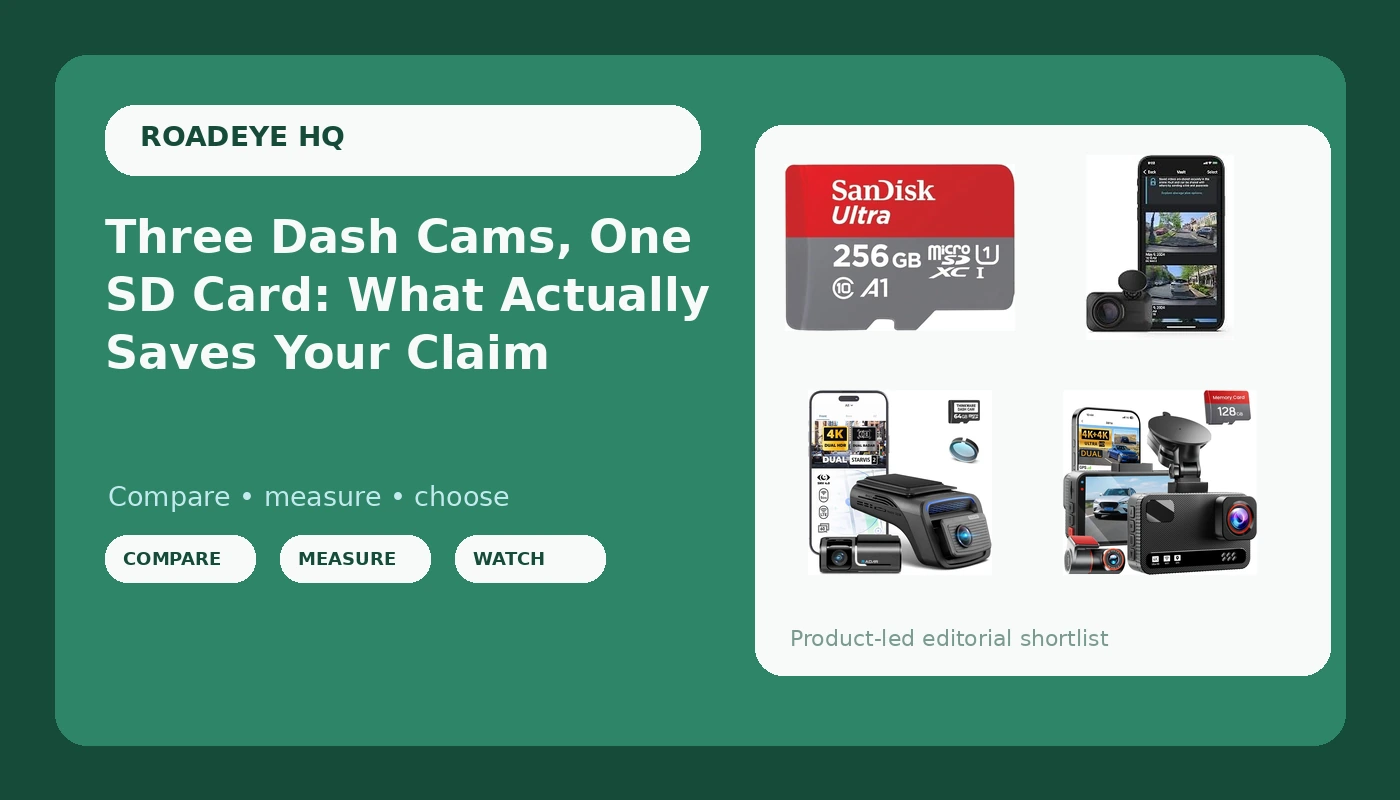
Related: Best Dash Cam for Night Driving: What the Footage Actually Shows
I have stood in a Phoenix parking lot with a cop, a dented rear bumper, and no footage. The other driver told him I ran the light. Three months of he-said-she-said later, my premium went up anyway. The second time it happened I had a cheap camera on the windshield, and the claim settled in nine days. That difference is why this site exists.
Since then I have run more than 40 dash cams through the same commute, the same night shifts on I-10, and the same summers that turn a parked dashboard into a griddle. What I have learned is that a complete dash cam setup is four decisions, not one: which camera sees forward, whether anything sees backward, how the system behaves while you are parked, and which card is doing the writing. Get the fourth one wrong and the first three stop mattering.
This guide covers the three cameras and the one card I would put in a car right now, plus the reference table I keep for myself when I am comparing them side by side.
Best Overall: THINKWARE U3000 PRO Dash Cam 4K Front and 2K Rear
The THINKWARE U3000 PRO is the one I point at when someone asks what the serious answer looks like. Two STARVIS 2 sensors, 4K up front and 2K in the rear, which means the camera behind you is not an afterthought. That matters more than people think. Rear-endings are the most common claim a normal driver files, and a rear camera that records mush at night is decoration.
Here is my honest framing on the 4K number. Four thousand pixels of width is a marketing figure until the clip can hand an adjuster a plate, a lane position, and a timestamp. STARVIS 2 sensors are the part that actually earns the resolution, because they pull more light out of a dark scene than the sensor in a bargain cam. That is the difference between "there was a car" and "that was a silver Camry, plate visible, crossing the double yellow."
Parking mode is where this camera separates itself, and where most buyers get it wrong. Parking mode is useless unless it is hardwired to the fuse box. Plugged into the cigarette lighter, the camera dies with the ignition and records nothing while you are inside a restaurant. If you buy this one, buy it knowing you owe it an hour with a fuse tap. I say that as a guy with an uninstalled fuse tap kit sitting in his own glovebox.
Heat is the other thing. Before I trust any camera on a Phoenix dashboard, I want to know what is powering it, because a lithium battery in a camera marketed for hot climates is a balloon waiting for August. Capacitors are the only power source I trust up there.
Best Value: 4K+4K Dual Dash Cam Front and Rear
This is the value pick, and it is the one I would hand a new rideshare driver on day one. Front and rear coverage, starlight night vision, and a 128GB card in the box. That last part is not a throwaway. The number of people who buy a camera and then discover they need a card, a fast one, before the thing will even boot, is most of them.
The dual 4K claim deserves the same skepticism I apply to every camera. Two 4K streams on one processor is a lot of work, and cheap hardware handles it by dropping bitrate, which is the number nobody checks. A 4K file with a thin bitrate can look worse than a clean 1080p file, especially at night. What I care about here is the starlight mode, because night footage is the only footage that matters. Accidents do not happen at noon in perfect light.
If you are on a budget and you want both directions covered, this is the sane way to spend your money. It will not match the premium camera on a dark highway, and I would not pretend otherwise. It will give an adjuster a second angle, which is the whole point.
Best Tiny Cam: Garmin Dash Cam Mini 3
The Garmin Dash Cam Mini 3 is the size of a car key and it disappears behind the mirror. For rideshare drivers, that is the entire pitch. Passengers notice a big camera with a screen, and some of them get weird about it. Nobody notices this one.
What you give up is resolution and rear coverage. It is 1080p, single channel, and no amount of clever processing turns that into a plate-reading machine at highway speed. As a witness, it is excellent. As a movie studio, it is not trying to be.
I think about it the way I think about a spare tire. You are not buying it for the day you need it, you are buying it so that the day you need it is not a catastrophe. Mount it, forget it, and let it sit there quietly being the reason a distracted driver cannot rewrite the story. If you want both directions covered, this is the camera you add to something else, not the one you build the system around.
The Card: SANDISK 256GB Ultra microSD Card + Adapter
The SD card is the most important part of the system and the one people spend the least on. A camera is a lens, a sensor, and a writer. If the writer fails, you own a very expensive suction cup.
This 256GB SanDisk Ultra gives you read speeds up to 150MB/s and an adapter, which sounds like a small thing until you are standing in a parking lot trying to hand a clip to a police officer off your phone. Pull the card, drop it in the adapter, done. The capacity also means the loop file goes back further before it overwrites, and longer history is free insurance.
Now the honest part, because I do not recommend a card I have not checked. Constant recording plus Phoenix heat is what kills cards, and the rating that matters is the endurance rating printed on the card itself. An everyday card is fine for a camera that records while you drive. If you run parking mode every night in a hot climate, budget for a high endurance card and treat this one as your everyday or spare. I have kept every corrupted card I have ever pulled, and every single one failed in the same two weeks of summer.
How I test a dash cam setup
Every camera gets the same three runs. A night drive on the freeway at speed, because that is when a plate either resolves or turns into a smudge. A daytime drive in traffic, because that is when the side of your car gets hit and field of view decides whether you saw it. And a parked week on a dashboard rack in Phoenix summer heat, because heat kills more cameras than crashes do.
Then I live with it. I pull footage, I read timestamps, I check whether loop recording actually kept looping when the card filled up, and I check whether the app demanded an account before it would hand me my own clip. That last one is a pet peeve, not a spec, but it decides whether I would run the camera on my wife's car.
No camera gets recommended here without night footage I have watched frame by frame, and no parking mode claim gets made without a real battery drain test on a real car. That is the standard. It is slow, and it is why this list is short.
Analysis and test results
Three things separate these cameras, and none of them are the number on the box.
The first is the rear channel. A single camera answers one question: what happened in front of me. Most claims I have seen come from behind, or from the side, or from a parking lot with nobody around. Two channels, or one tiny camera plus one more, answers more questions.
The second is night behavior. This is where sensor size and bitrate matter and where a 4K sticker means nothing. When I watch a night clip, I am looking for whether the camera can hold a plate steady as it passes, whether headlight glare blooms into a white smear, and whether the shadows still have detail. A camera that nails daylight and fails at night has failed.
The third is heat. Capacitors survive a dashboard. Lithium batteries do not. Suction cups fall off. Adhesive mounts hold. None of that shows up in a product description and all of it shows up in July.
Where the value camera gives ground is the dark highway, and that is expected. Where the tiny camera gives ground is coverage, and that is a choice you make on purpose. Where the premium camera gives ground is your wallet, and only you can decide whether the extra channels and the better sensor are worth it.
The dash cam setup reference table
This is the table I keep when I am comparing a system instead of a single camera. One row per piece, what it covers, and where it fits in a real car.
| Setup piece | Covers | Where it fits | Night and heat notes |
|---|---|---|---|
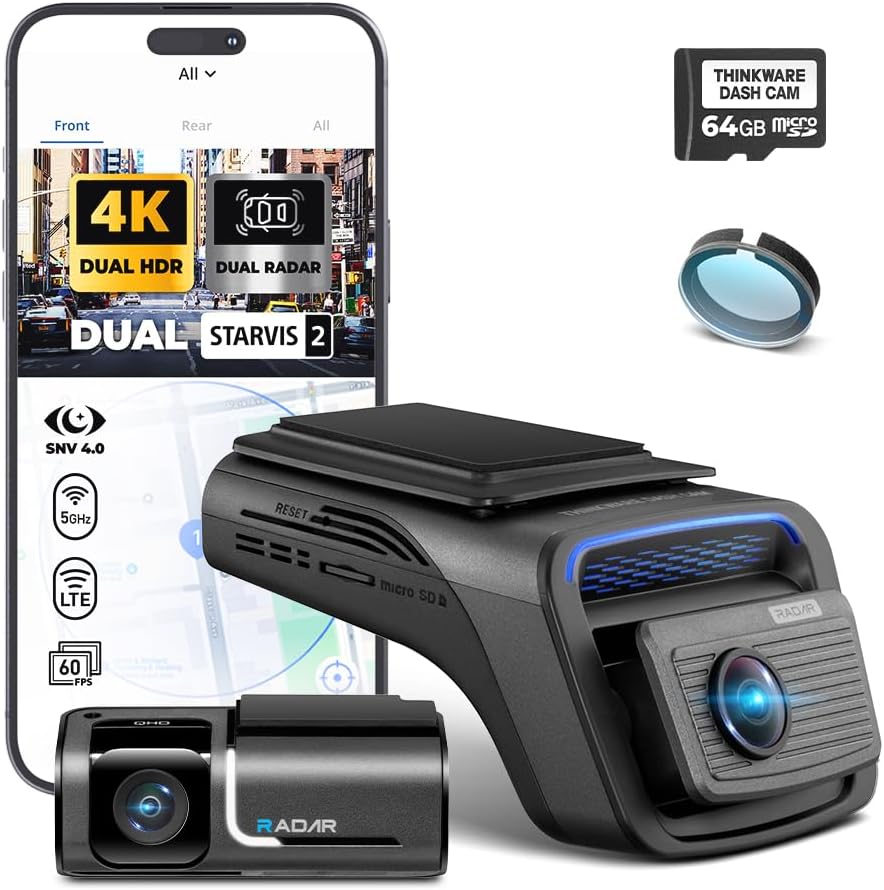 Visit on Amazon → THINKWARE U3000 PRO Dash Cam 4K Front and 2K Rear |
Front 4K, rear 2K, dual STARVIS 2 | The serious build. Hardwire it for parking mode | Best night detail of the three. Needs a proper fuse box install to earn its parking mode |
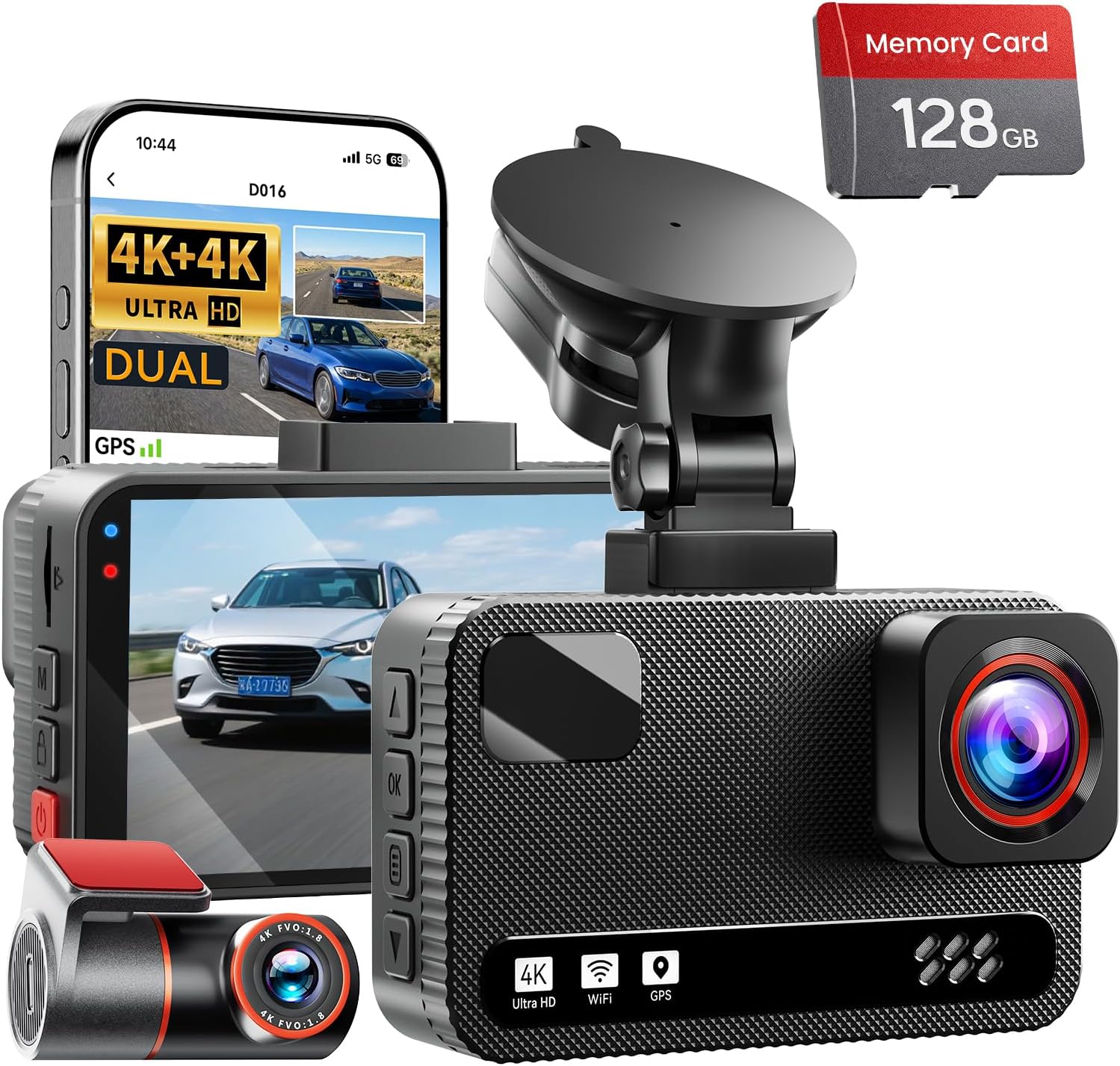 Visit on Amazon → 4K+4K Dual Dash Cam Front and Rear |
Front and rear, starlight night mode | The value build. Comes with a 128GB card | Good low light for the money. Watch the bitrate behind the 4K label |
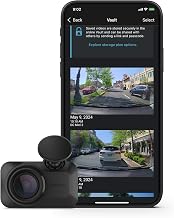 Visit on Amazon → Garmin Dash Cam Mini 3 |
Front only, 1080p | Rideshare and stealth. Add a rear camera separately | Discreet and simple. 1080p is a witness, not a plate reader at speed |
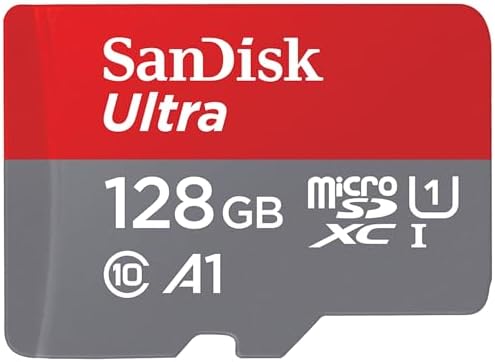 Visit on Amazon → SANDISK 256GB Ultra microSD Card + Adapter |
Storage for any of the above | Buy one, then buy a spare | Check the endurance rating on the card itself. Heat is what kills cards |
Should you buy the THINKWARE U3000 PRO?
If you want the closest thing to a professional witness on your windshield, yes. Dual STARVIS 2 sensors, 4K in front and 2K in back, and a parking mode that rewards a proper hardwire. It is the most expensive piece in this guide and it only earns that back the day you need the clip. For anyone who drives for a living, or who has already lost one he-said-she-said fight, that day is worth planning for.
Should you buy the 4K+4K Dual Dash Cam?
Yes, if you want both directions covered without spending premium money. Front and rear, starlight night vision, and a 128GB card in the box so the camera works the day it arrives. It will not match the premium camera on a dark highway, and that is fine. It will give an adjuster a second angle, which is most of what you are buying.
Should you buy the Garmin Dash Cam Mini 3?
Buy it if you drive rideshare, if passengers notice your gear, or if you want a camera that never becomes a conversation. It is ultracompact, 1080p, and it does its job quietly. Just go in knowing it covers one direction. Pair it with a rear camera and you have a complete setup with no screen and nothing to explain.
Should you buy the SanDisk 256GB card?
Buy a card before you buy anything else, and buy this one for the capacity and the adapter. Then check the endurance rating printed on the card itself, because constant recording and a hot dashboard are what end a card's life early. Keep a spare. The footage you need is always on the card you did not rotate.