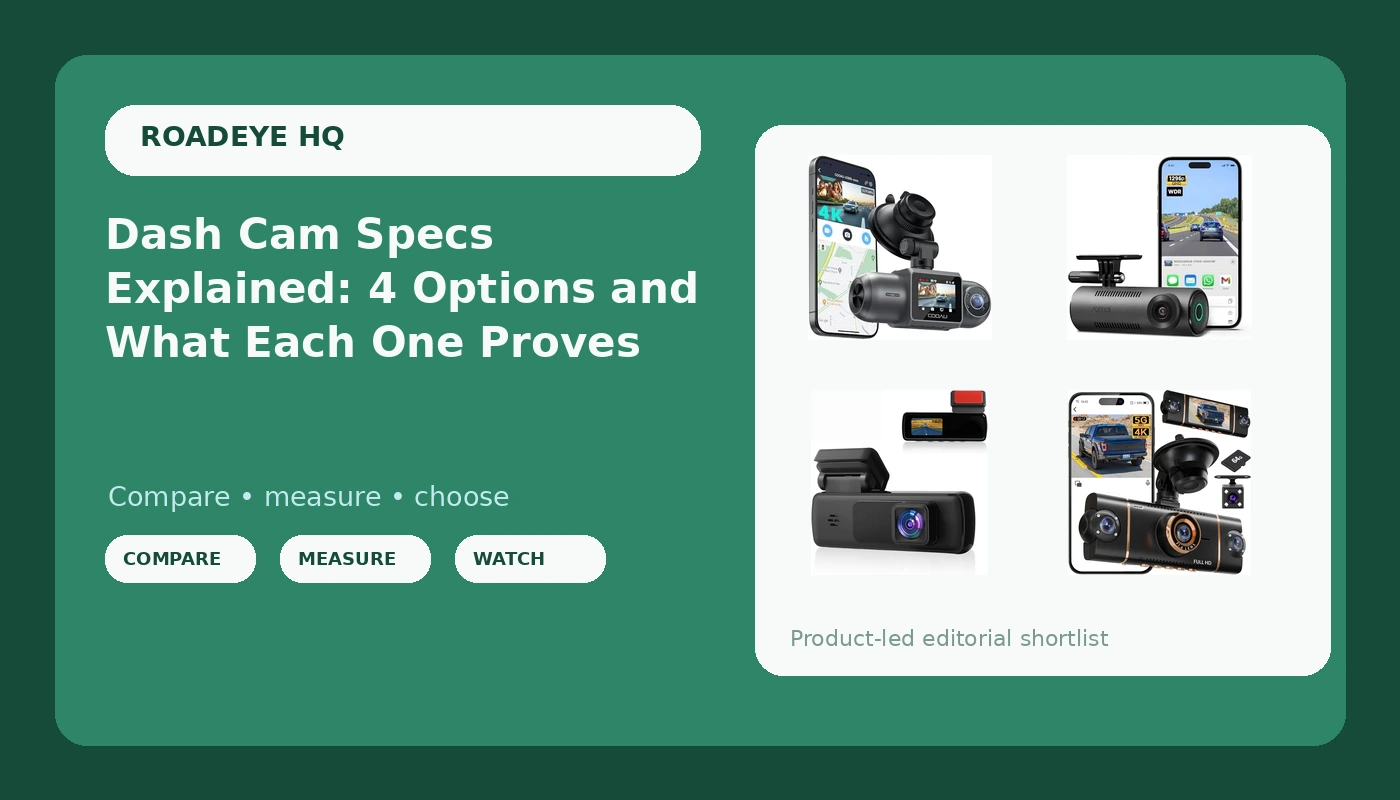
Every dash cam listing throws the same numbers at you: 1080P, 4K, 1296P, 130 degrees, infrared, parking mode. None of those numbers answers the only question that matters after a collision, which is what the footage can prove when an adjuster asks who did what. Dash cam specs are not a ranking system, they are a description of coverage, and the coverage is what you are buying. A camera that records one direction well is worth more than a camera that records three directions badly. The point of reading specs carefully is to match the coverage to the collision you are most likely to be in, then make sure the hardware survives long enough to still be running on the day you need it.
Related: Dash Cam SD Card Guide: Picking a Card That Survives a Phoenix Summer →
Quick answer
Match the camera to the job you need recorded. A front-only camera covers front-impact and intersection disputes, which is where most fault arguments start. A front and rear setup covers rear-end and lane-change disputes from both directions at once. A front and inside camera covers rideshare and delivery work, where what happened in the cabin is as relevant as what happened on the road. Resolution matters far less than whether the lens, sensor, and bitrate together produce a readable license plate, so treat any resolution number as a starting point and the footage itself as the evidence.
4 useful options
| Model | Best fit | What stands out |
|---|---|---|
| Dash Cam for Cars, 1080P FHD Front Dash Camera | A first camera or a simple front-only setup | Single-channel 1080P FHD front recording with nothing extra to wire |
| 4K Dash Cam Front and Rear, WiFi Dash Camera for Cars with App | Drivers who want both ends of the car covered | Front and rear channels in one system, with WiFi and app access |
| COOAU D30S 4K Dash Cam with GPS Wi-Fi, Front and Inside Dual 2.5K 1080P, Uber Car Camera with Infrared Night Vision, Supercapacitor, 4 IR LEDs, G-Sensor, Parking Mode, Loop Recording | Rideshare and night driving | Front and inside dual recording, infrared cabin night vision, supercapacitor power |
| 70mai Dash Cam M310, Dash Camera for Cars 1296P QHD, Smart Dash Cam Front Built in WiFi, 130° Wide-Angle FOV, WDR, Night Vision, iOS/Android Mobile App, Loop Recording, Parking Monitor, Time-Lapse | Front-only recording with app control | 1296P QHD front footage, 130 degree field of view, WDR and time-lapse parking monitoring |
The simple starting point: Dash Cam for Cars, 1080P FHD Front Dash Camera
The trade-off with a front-only camera is obvious once you say it out loud: it sees what you see, and nothing else. If someone rear-ends you at a light, a front camera records the jolt and the sound, but not the vehicle or the following distance that caused it. What it does give you is a clean record of the moments before a front impact, which is exactly the footage that settles the most common he-said-she-said argument, the one where each driver claims the other ran the light or cut in. There is also a real practical advantage here. A single-channel camera is easy to mount well, easy to re-aim if it drifts, and easy to swap to another vehicle. A poorly aimed dual-channel camera with a cable snaking through trim is worse than a well-aimed single-channel one, because a camera pointed three degrees too high will show you nothing but sky and streetlights.
The both-ends option: 4K Dash Cam Front and Rear, WiFi Dash Camera for Cars with App
Rear coverage is the single most underrated upgrade in this category, and it has nothing to do with picture quality. Rear-end collisions are extremely common, and in a rear-end case, the footage from behind often does the entire job: it shows the following distance, the brake lights, and whether the other driver was looking at a phone. The catch is that a "4K" label on a dual-channel system describes the front channel at its best setting, while the rear channel runs at a lower resolution and the system splits its processing between two streams. That is normal, and it is worth understanding rather than being disappointed by. The other catch is installation. Running a rear cable along the headliner and through the trunk takes time, and a loosely routed cable that gets pinched is a camera that stops recording. Plan for the install before you buy, not after.
The rideshare choice: COOAU D30S 4K Dash Cam with GPS Wi-Fi, Front and Inside Dual 2.5K 1080P
The supercapacitor is the detail I would point a rideshare driver to first, ahead of resolution. Capacitors store and release power without the lithium chemistry that swells and vents when a parked car bakes in the sun, and a car that sits all day in a lot with the windows up is a worse environment for a battery than it is for the electronics around it. Infrared cabin lighting is the second detail, because a passenger dispute at 11 p.m. happens in a dark cabin, and standard night vision tuned for headlights and streetlights will not illuminate a back seat. Two honest caveats belong here. An inside camera means passengers are recorded, which carries legal and social considerations that vary by state, and parking mode only functions the way people expect when the camera is hardwired to the fuse box rather than plugged into a cigarette lighter that dies with the ignition.
The compact app camera: 70mai Dash Cam M310
The 130 degree field of view is worth pausing on, because field of view is the spec people misread most often in the other direction. Buyers assume wider is always better, then wonder why plates look like smudges. A very wide lens stretches the edges of the frame, pushes detail toward the corners where distortion is worst, and shrinks everything in the middle. Somewhere around 130 to 140 degrees is the practical window: wide enough to catch a car pulling alongside, tight enough that a plate at a reasonable distance still resolves. WDR matters for the same reason in reverse, since it manages the exposure gap between a bright sky and a shadowed license plate. The app workflow is genuinely convenient for pulling a clip at the roadside, and it is also the thing to check before you rely on it, because an app that requires an account to hand you your own footage is a hassle at the worst possible moment.
Prices and availability may change. Product images, names, and retailer links must be matched by verified ASIN. Do not state a current price, rating, stock status, or measured result without current evidence.
Why a supercapacitor matters more than a battery in a hot car
Dash cams live in the worst microclimate in the vehicle. A windshield-mounted device sits in direct sun, in a sealed cabin, and the surface temperature of a dark dashboard on a summer afternoon can climb well past what the outside air reaches. That heat is what kills cameras, not collisions, and it kills them in one specific way when they use a lithium battery for their internal power. Lithium cells swell and vent at high temperatures. A swollen battery can push a camera housing apart, kill the recording entirely, or fail in the one way that matters most: it works fine until the day you need the clip, then it does not.
A supercapacitor solves the same problem with a different chemistry. It stores less energy than a battery, so it does not support long unattended recording on its own, but it tolerates heat far better and holds the last file long enough to close it properly when power cuts. For anyone parking in a hot climate, that is the right trade. It also pairs with how parking mode should actually work: the camera draws from the car's battery through a hardwire kit, and the capacitor just carries the camera over the instant between ignition states. A cam with a battery and a hardwired parking mode is a cam with an expiration date stamped on it.
What resolution claims really mean for a claim
Resolution tells you how many pixels get recorded. It does not tell you how much detail survives the trip from the lens to the card. Three things sit between the number on the box and a readable plate: the sensor's ability to gather light, the bitrate, which is how much data gets written per second, and the recording conditions. A 4K camera with a low bitrate can look mushier than a well-tuned 1080P camera, because compression throws away detail precisely where it is hardest to keep, in motion, in low light, at the edges of the frame. This is why a spec comparison is not a purchase decision on its own.
The other honest point about resolution is that dual-channel systems share it. When a camera records front and either rear or inside at once, the workload is split, and the channels often run at different resolutions, which is why you will see listings that describe a 4K camera with a 2.5K front channel and a 1080P second channel. That is not a contradiction, it is how dual-channel recording works. The number to compare is the one attached to the channel you care about, and the thing to verify is whether the camera can actually lock onto a plate at speed, at night, in the direction you need.
- Decide which collision you are trying to prove, front impact, rear impact, or something inside the cabin.
- Pick the channel count that covers it, one channel for front only, two for front and rear, two for front and inside.
- Check what resolution the specific channel you care about records at, not the headline number.
- Confirm the power source is a supercapacitor if the car lives in a hot climate and parks in the sun.
- Budget for a high endurance memory card and, if you want parking mode, a hardwire kit and the hour it takes to install it.
Setting it up so the footage is actually worth something
- Buy a high endurance card rated for constant recording, because a standard card will corrupt at the worst possible moment.
- Format the card in the camera on a schedule, and check that loop recording is still looping rather than silently stopping when the card fills.
- Aim the lens with a live view, leaving a sliver of hood in the bottom of the frame so you can see where the car actually is.
- Hardwire the camera to the fuse box if you want parking mode, and verify it does not drain the battery overnight.
- Pull one night clip a month and try to read a plate from it. If you cannot, your settings or your mount position need work.
Which option should you choose?
Choose the Dash Cam for Cars, 1080P FHD Front Dash Camera when you want a single front-facing camera with the simplest possible install and no interest in rear or cabin coverage. Choose the 4K Dash Cam Front and Rear, WiFi Dash Camera for Cars with App when you want both ends of the car recorded and are willing to route a rear cable. Choose the COOAU D30S 4K Dash Cam with GPS Wi-Fi, Front and Inside Dual 2.5K 1080P when you drive passengers, work nights, and want cabin footage plus a supercapacitor for heat. Choose the 70mai Dash Cam M310 when you want front-only coverage with an app workflow, a sensible field of view, and time-lapse parking monitoring.
None of these descriptions is a substitute for looking at footage. Resolution, channel count, and field of view are facts printed on the listing, but whether a given camera reads a plate at 40 mph at night is a question only a clip can answer, and the answer varies with your windshield angle, your tint strip, and your local street lighting. Buy from a seller with a return window, mount it properly, test it after dark, and send it back if the night footage does not hold up.
The bottom line
The right dash cam is the one whose coverage matches the collision you are most likely to have, and whose hardware survives the climate it parks in. Front-only covers the most common fault disputes with the least installation effort. Front and rear covers both bumpers. Front and inside covers rideshare work. Resolution is a starting point, not an answer, because bitrate, sensor, and lens decide whether a plate is readable in the dark. A supercapacitor is the safer power source in a hot climate, parking mode is only real when it is hardwired, and the memory card deserves as much attention as the camera. Get the coverage, the power source, and the card right, and the specs stop being marketing numbers and start being an insurance witness.